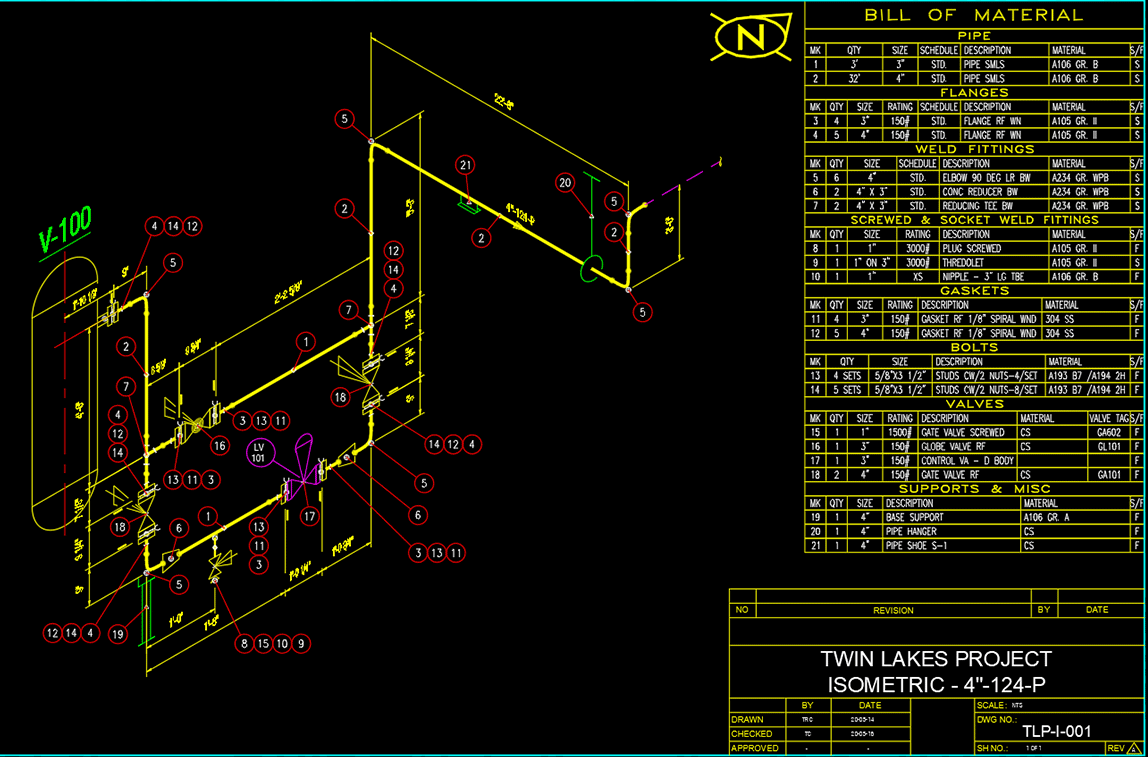
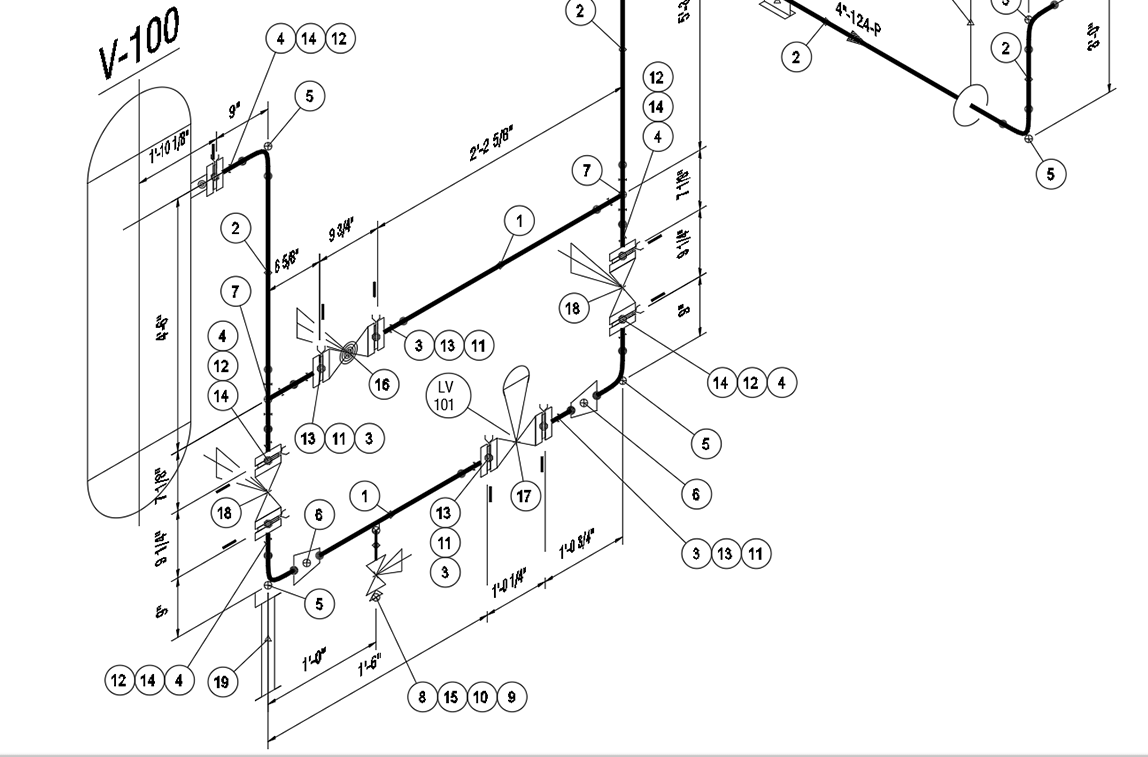
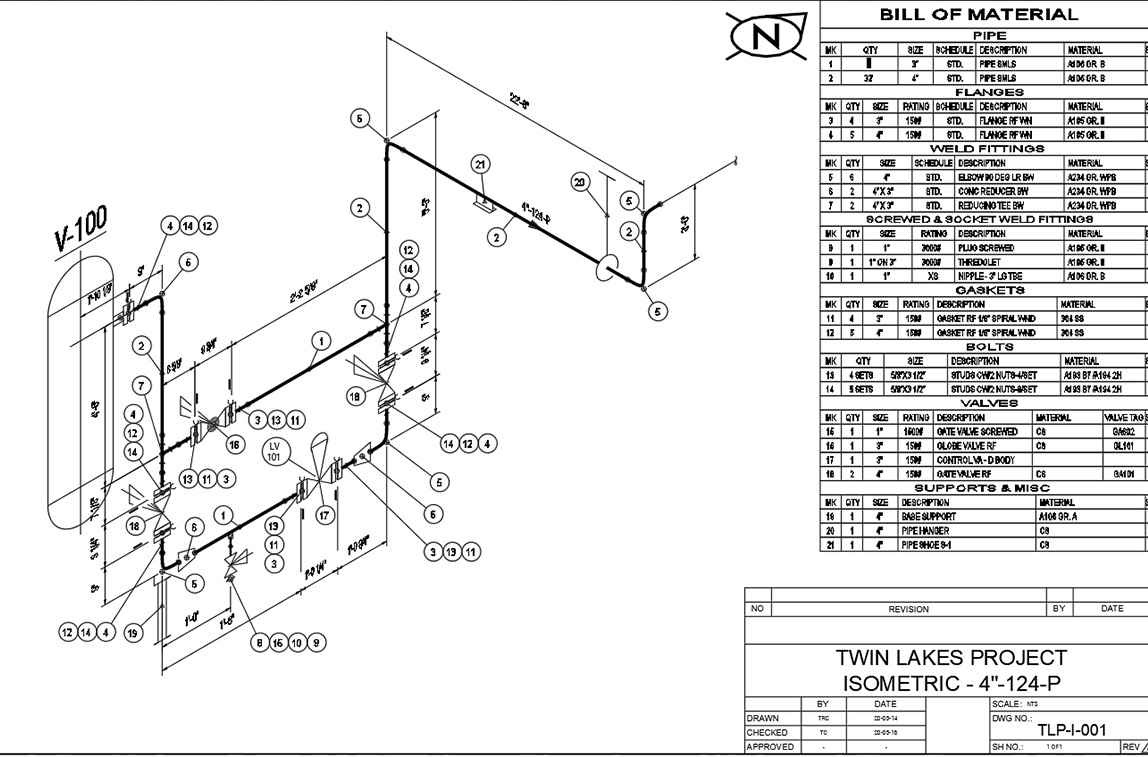
3D plant modeling software
3DSMART modeling software will help you create 3D plant models for piping, equipment, and structural steel and securely stores this valuable project data in an integrated SQL Server database.
3DSMART Modeler
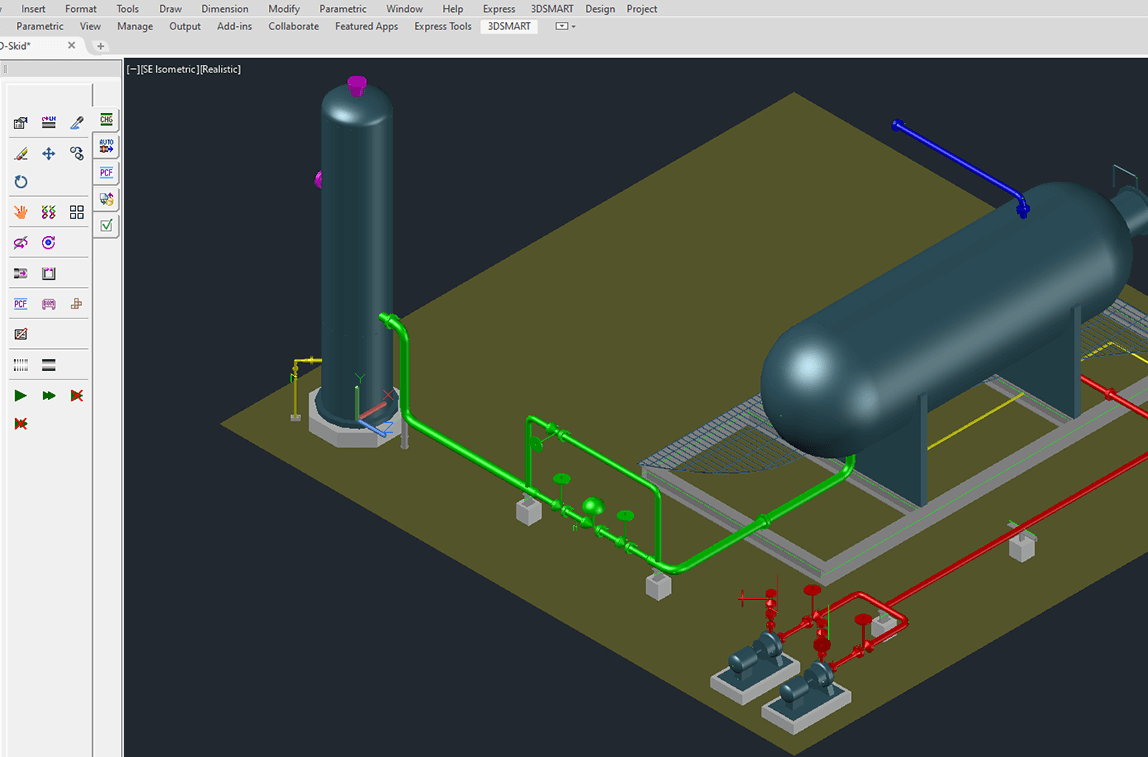
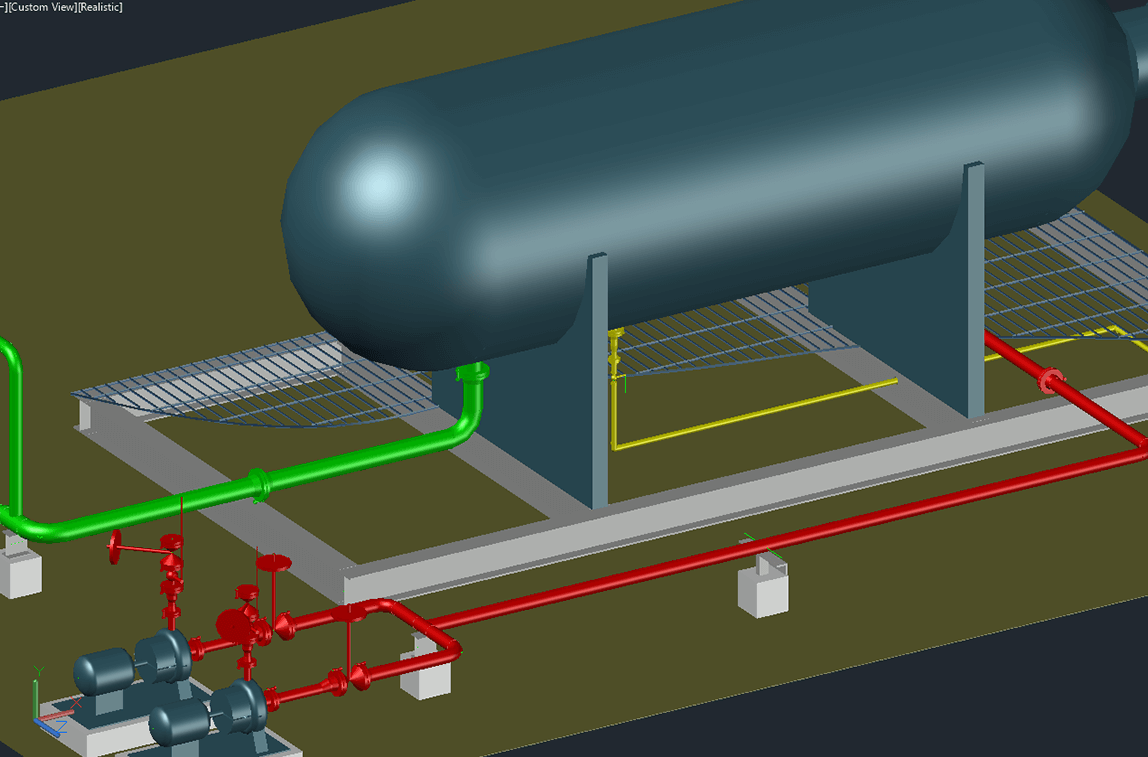
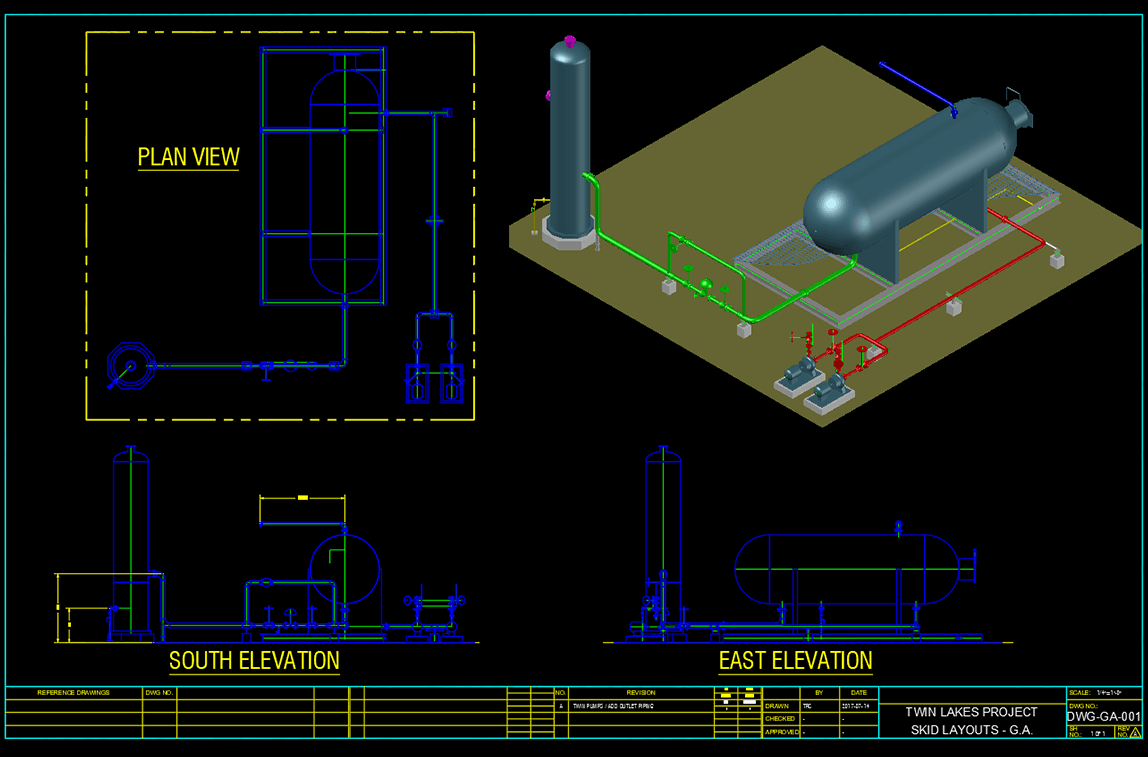
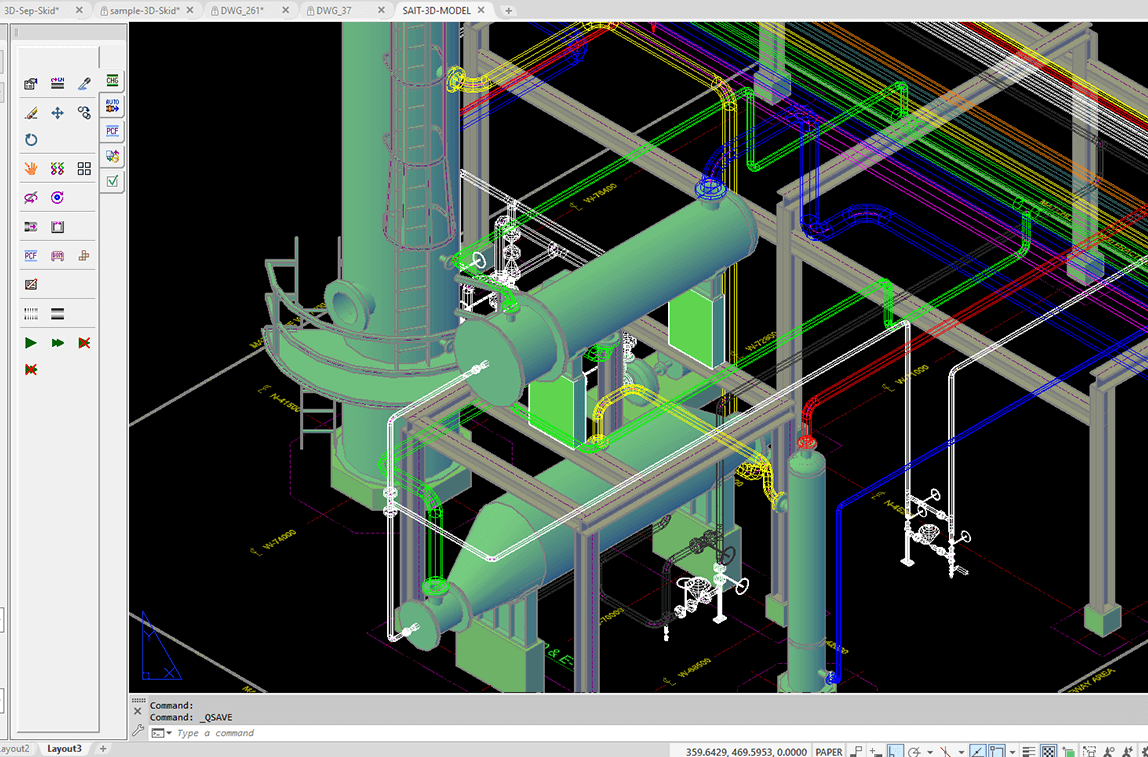
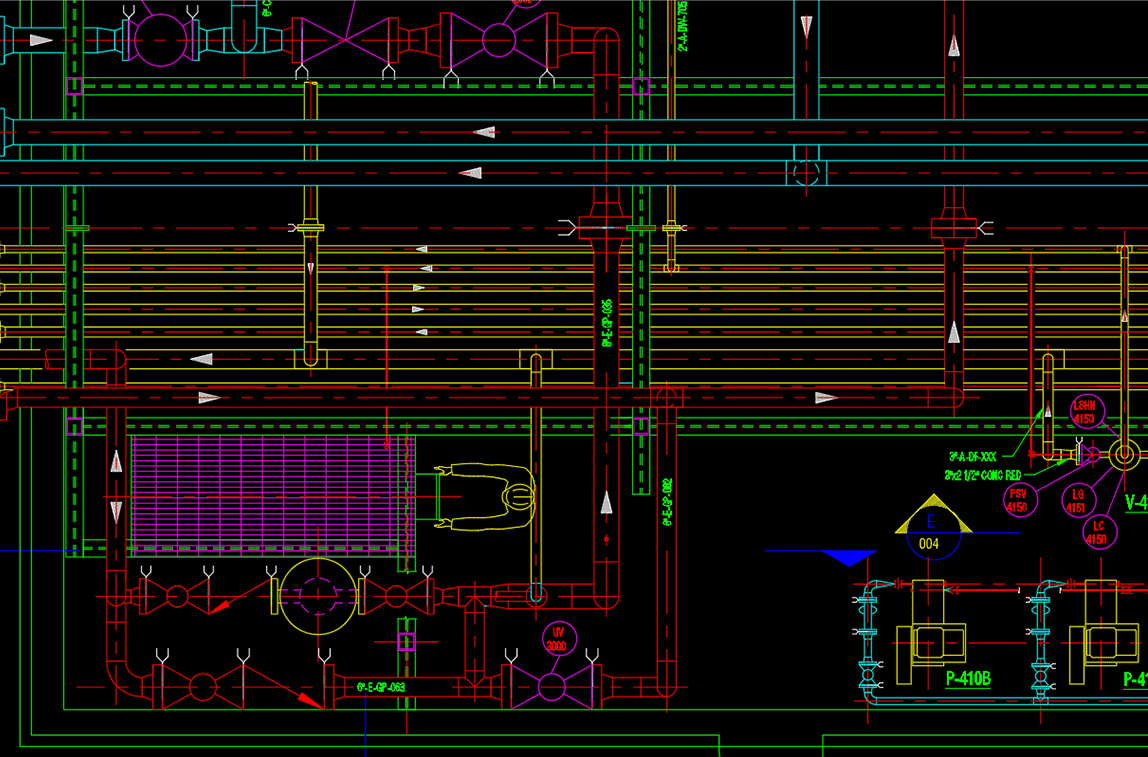
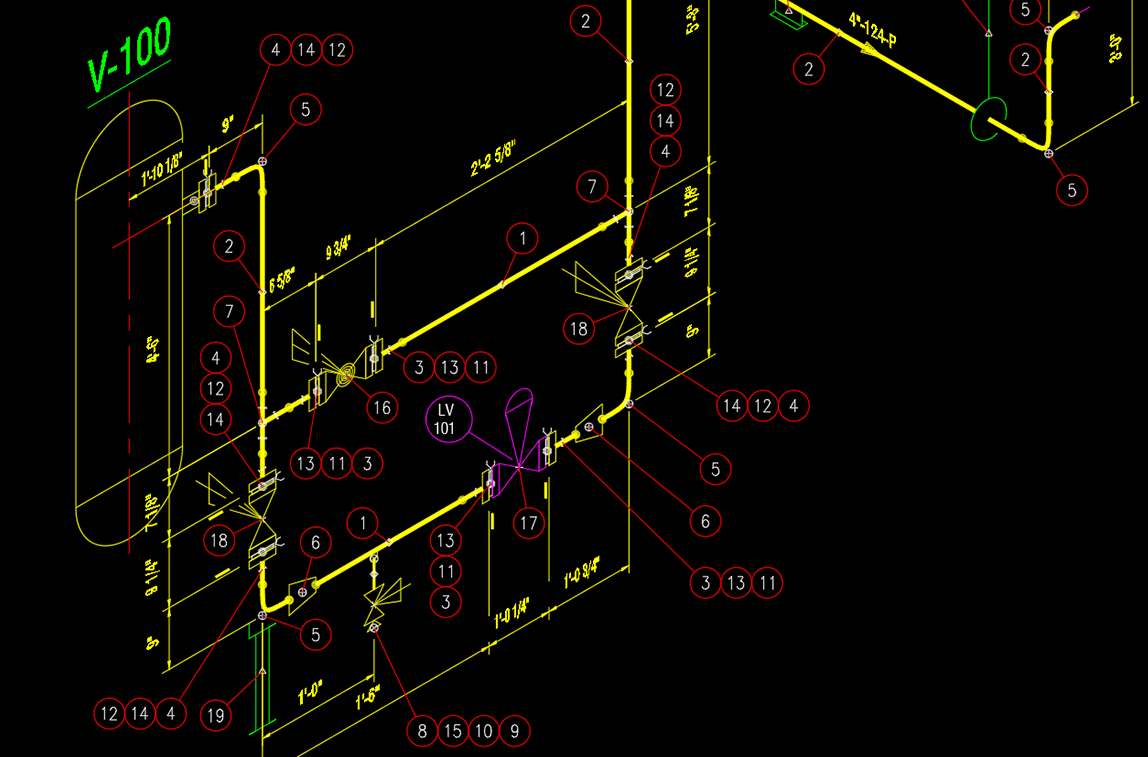
3D Modeler provides designers with a complete set of intelligent, time-saving modeling tools for plant design, skid design and other specialized construction. Other notable features include:
- Rules based connectivity
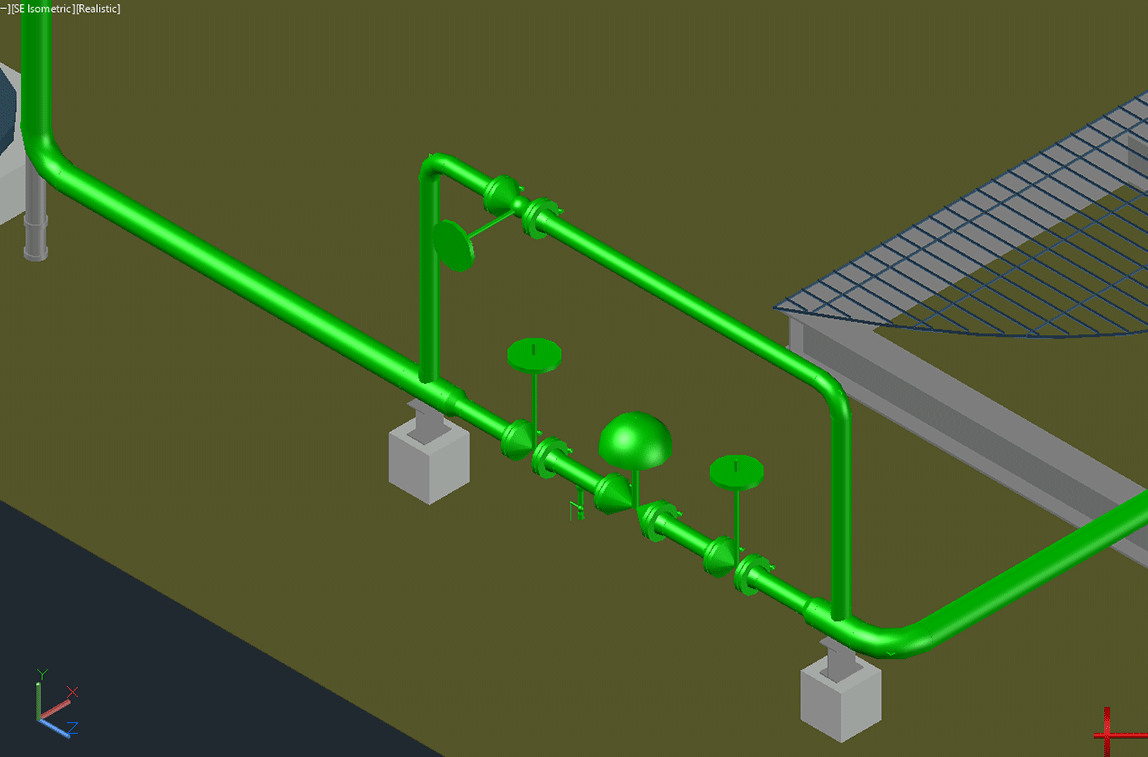
When connecting components, the program will display colored cones at all the possible connection points in the model. Choose the cone at the desired connection point and 3D Modeler will auto-check piping connection rules: such as, pipe size, line-number match, pipe-rating match and wall-thickness match. Once the connectivity rules are satisfied, the new component connects with precision to the existing component.
- Automated Tools
- Auto-Route feature for automatic component connections
- Auto-Weld automatically adds welds when fittings are joined
- Auto-Gasket places gaskets automatically when required by fittings
- Flange Set Auto-Complete adds all the components needed in a flange set connection
- Valve Flange Set Auto-Complete adds gasket, bolts and flange to complete valve assembly
- Pipe Spec Export/Import tools
- Copy Design feature allows you to save time by re-using existing designs
- Smart editing tools to copy, reconnect, reposition, or move piping components in the 3D model
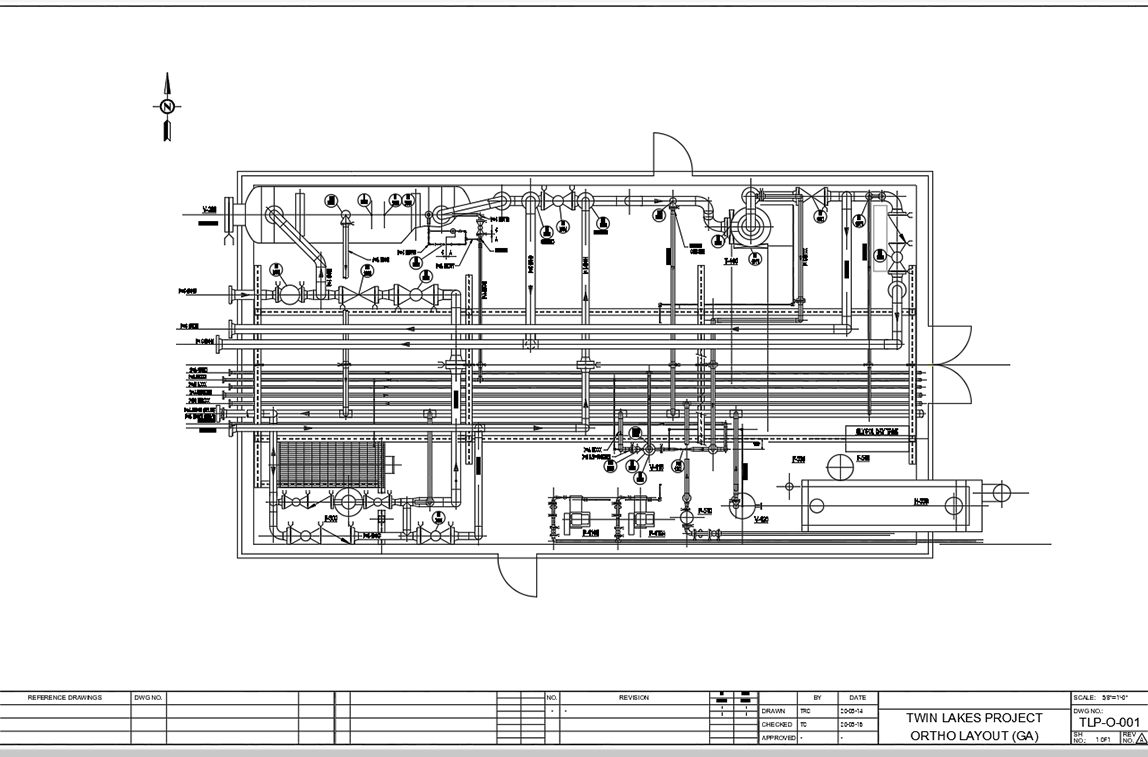
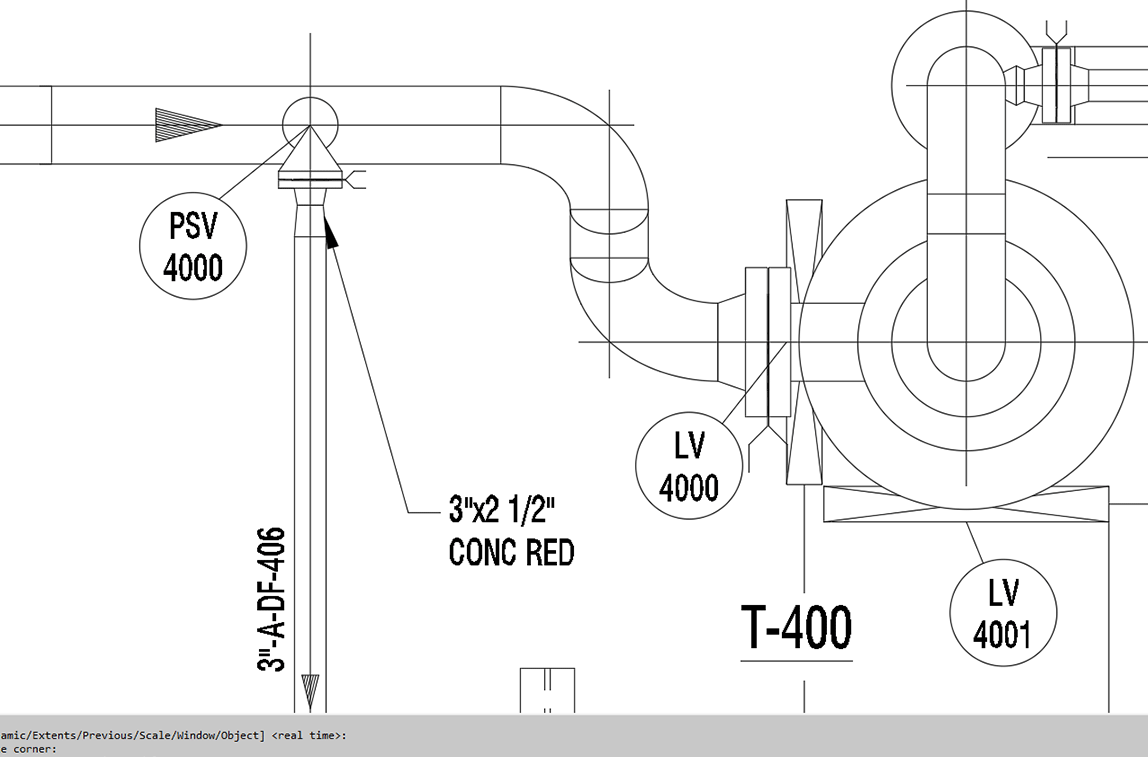
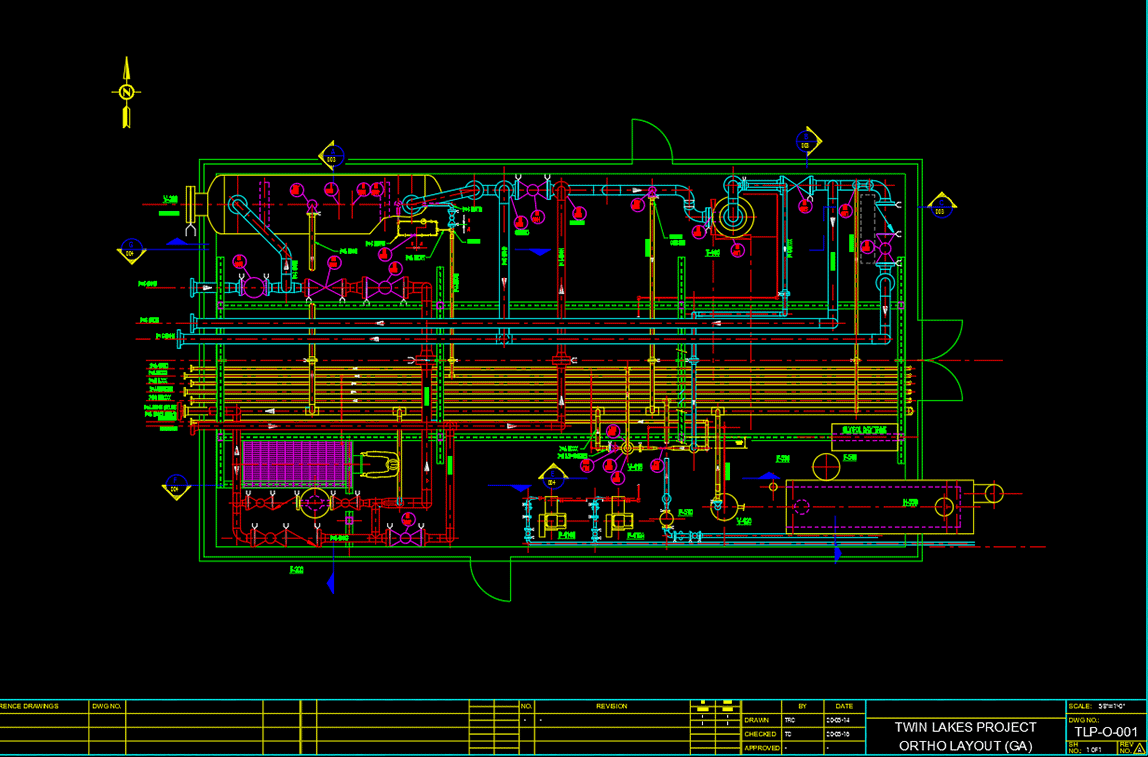
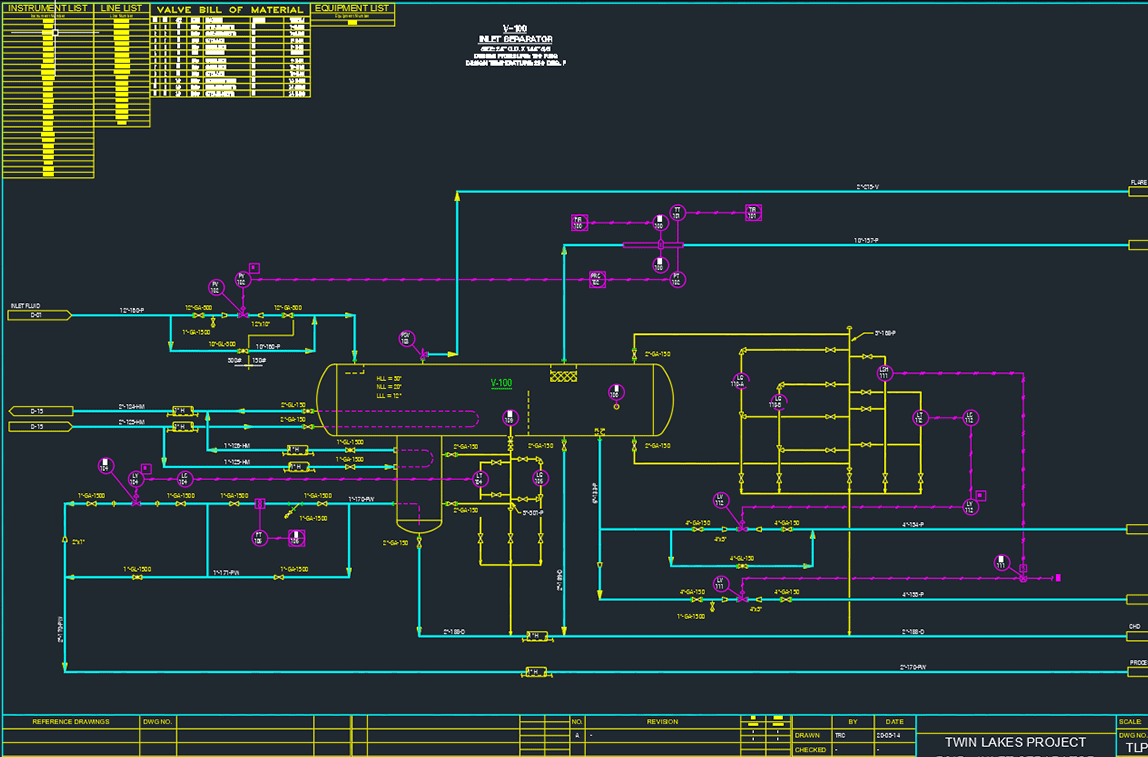
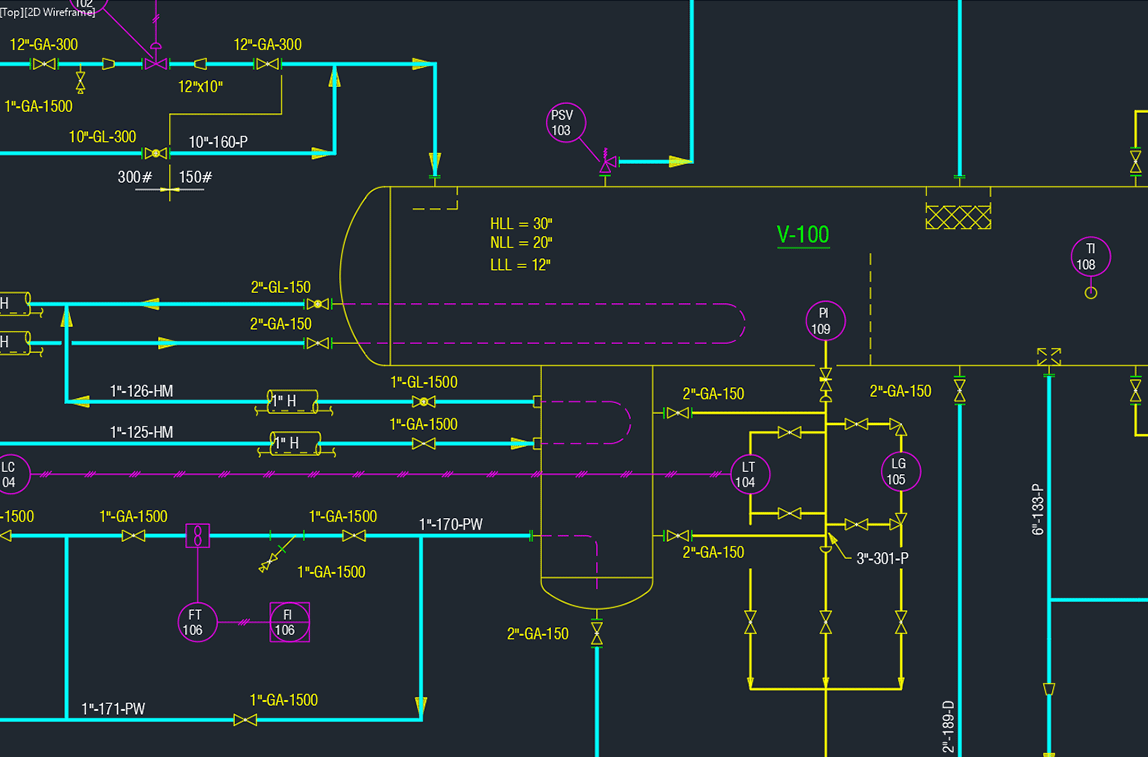
- 2D deliverables
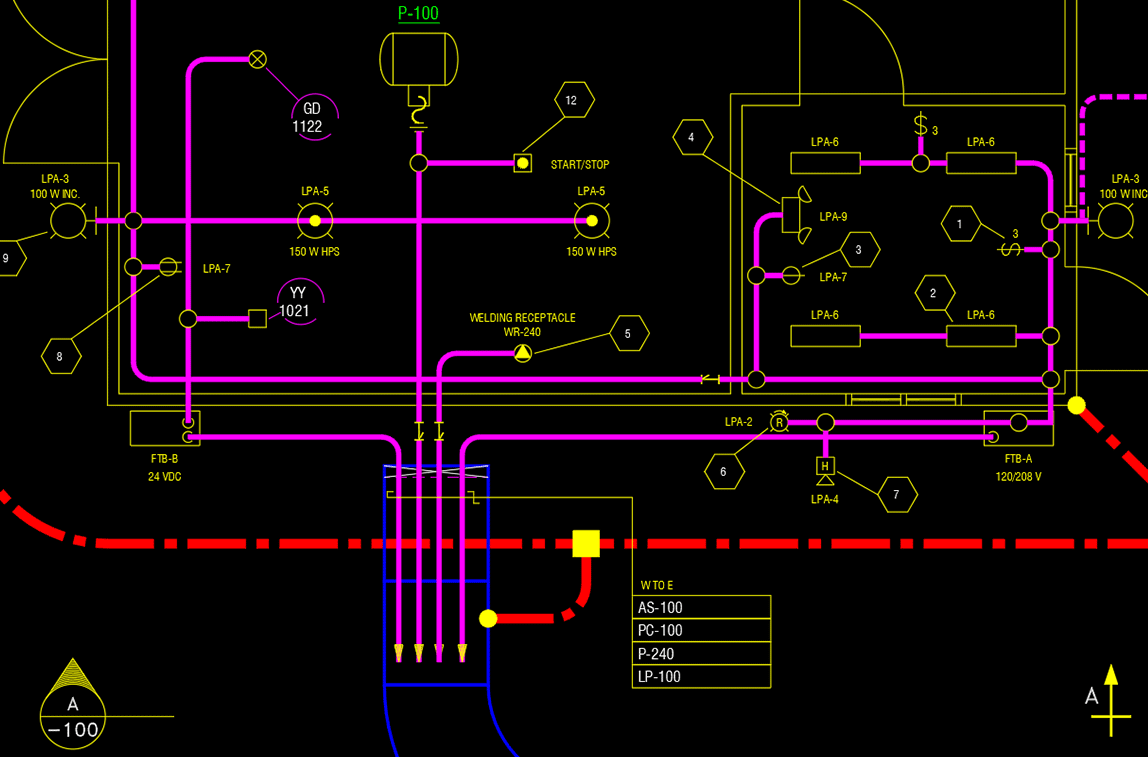
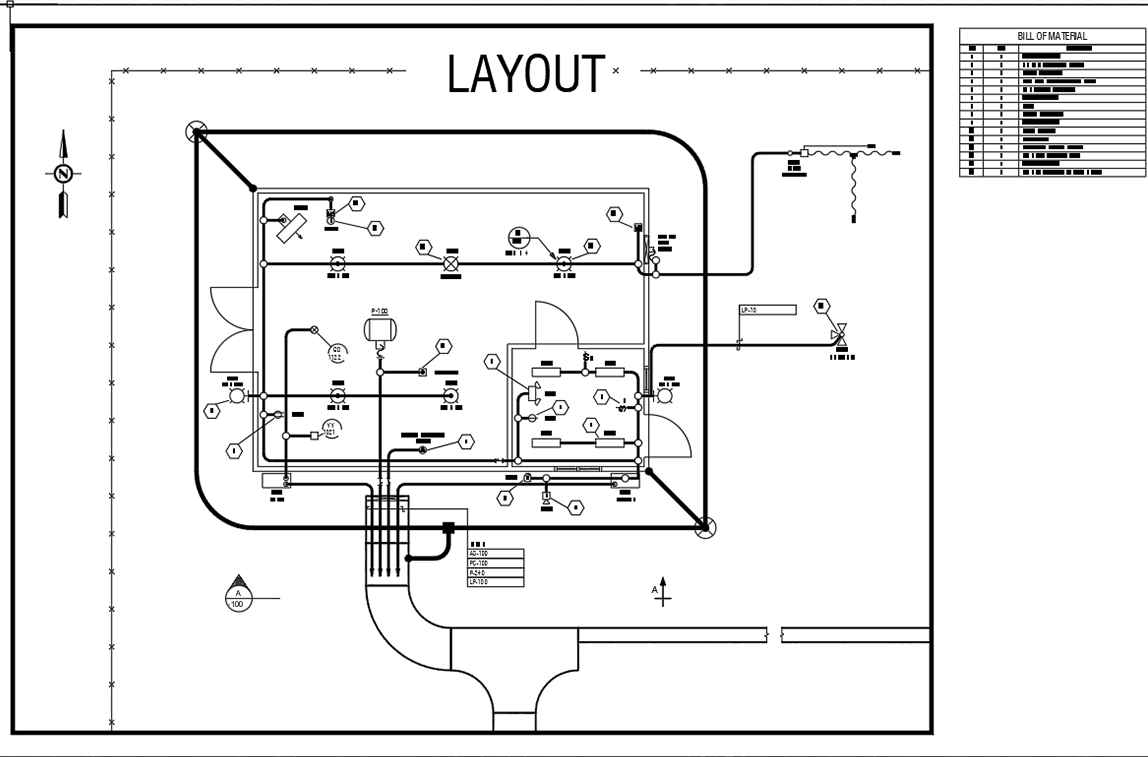
Easily generate 2D plans and section drawings and add dimensions and annotations. The wizard guides you step-by-step. - Structural steel component
Model steel structures by inserting and editing steel components. Features include:- Standard steel shapes
- Coping, mitering and hole drilling
- BOM generation
- Automated generation of plans and sections
- Ability to stretch or break steel members and other linear components
- Ability to delete holes and coping of existing steel members
- Portability with DWG files
Send your DWG drawing files (models) to your customers who can view and/or edit them in AUTOCAD® (they don’t need 3DSMART). Any files you receive back will be automatically audited by 3DSMART for changes against the original drawing file. If there have been any changes, 3DSMART will alert you by giving you the option to accept the changes or discard them.
Read more about 3DSMART’s included productivity modules
Better piping design
Eliminate costly errors and delays with intelligent rules-based design and effective materials management.
- Project settings restrict usage of piping specs to those specified by the Project Manager
- Automatic background compliance checks alert users when straying from established piping design parameters
- Smart editing tools to copy, reconnect, re-position or move piping components in the 3D model
- Colored cones at all possible connection points in the model guide users on what can and cannot be joined
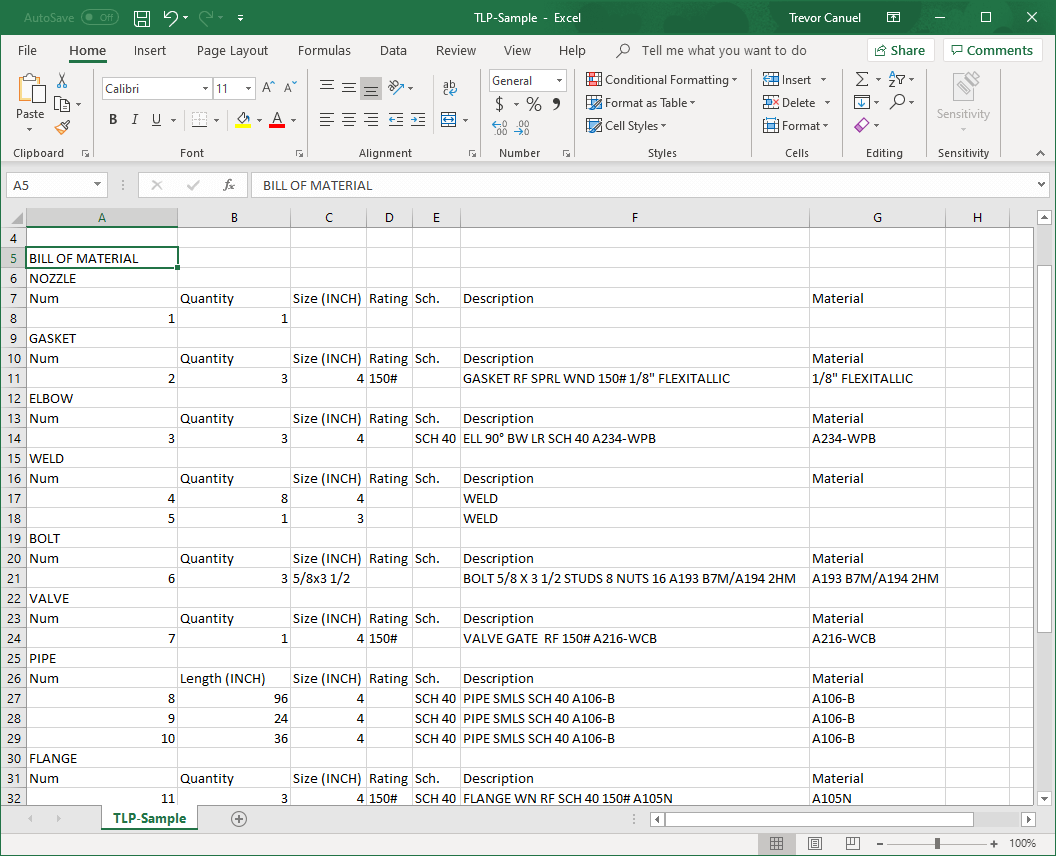
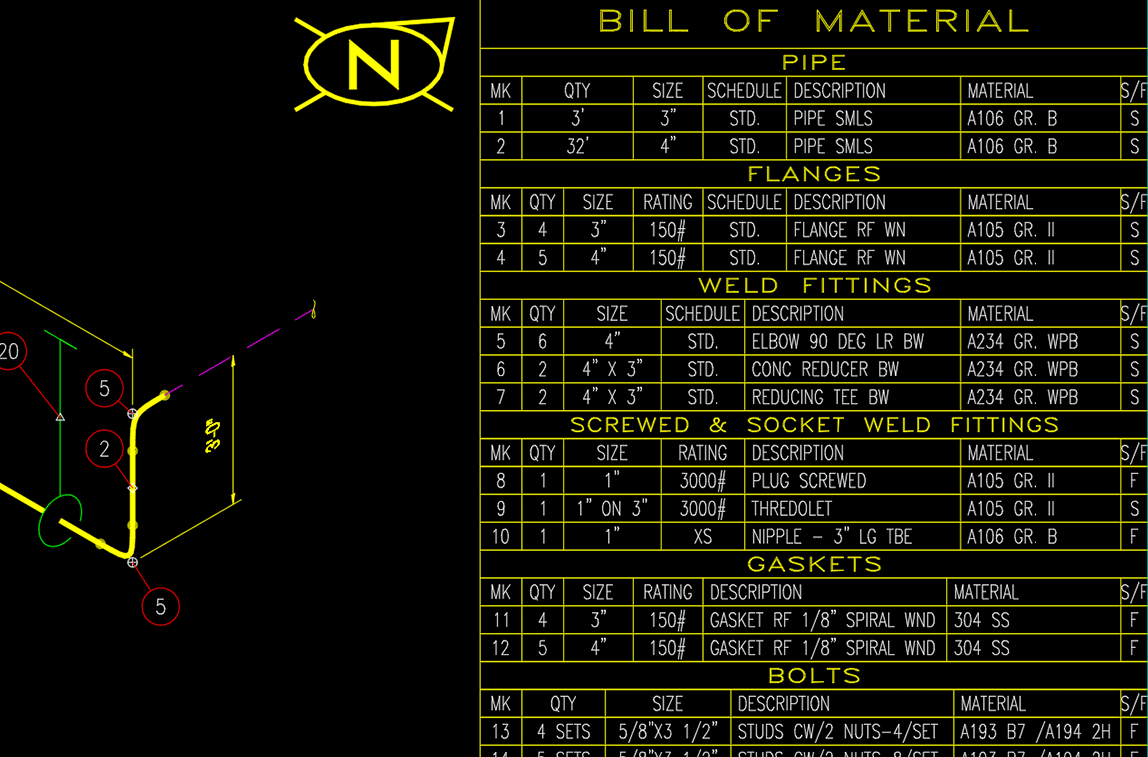
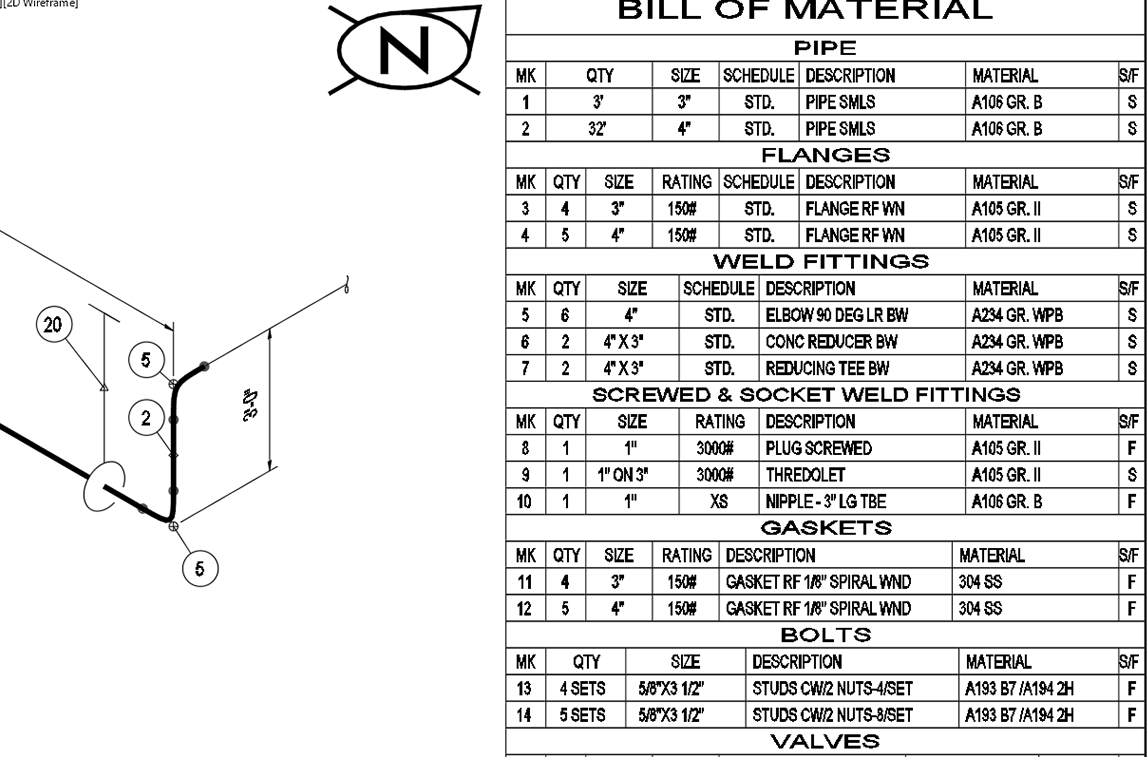
- Generate material templates to report BOMs for the entire project, a single or a group of 3D models or report by line number(s)
- Create BOM files in multiple formats: drawing (DWG™), Comma Separated Values (CSV), web (HTML) and text files (TXT)
Collaborate throughout the enterprise
Global teams can work more efficiently together through a centrally accessible database.
- Changes made by one or more people are updated and stored in the central SQL Server™ database and available to everyone on the project
- Staff not involved in design can access project data by connecting to its SQL Server and create projects, specs and generate BOMs
- Models and drawings are saved in DWG file format making them portable to facilitate free exchange between consultant and customer
- Automatic alerts on changes made to drawings makes it easier to identify, manage and communicate design changes
- Option to synchronize data changes or discard updates and continue to use the last version
- Share settings, drawings and specs with the Pipe Spec and Project Data export/import tools
- Supports both Metric and English units, mixed units with pipe sizes set in English units and drawing units in Metric, and vice-versa
- Edit existing component data or add new components with parametric data and rules-based intelligence
Save time & money
The easy-to-use and user-friendly interface requires minimal training to install, set up and get started. Use 3DSMART with AUTOCAD® for a powerful solution.
Increase productivity
Quickly produce 3D models from scratch or re-use existing designs using the standard DWG™ file format. Automatically generate 2D orthographic plans and elevations. Export data in various formats to other programs for costing, stress analysis, etc.
Generate PCF files
Select the 3D model line number(s) and the information is extracted into the industry standard PCF file format. The PCF file can be utilized in other 3rd party software to create isometrics and data reports.
Reduce errors
Everyone works from the latest, up-to-date models stored in the SQL Server™ database. The central data also ensures against data loss by allowing you to easily regenerate models and drawings.
Integrated application
3DSMART integrates project data from all its applications using a central SQL Server database hub. Applications include 3D Modeler, Component Designer, Project Manager, Specification Manager, BOM Settings Manager and BOM Generator.
Scalable to your needs
3DSMART is built on a scalable database-powered platform with enterprise-level horsepower that can be used for one-man outfits to large engineering firms and energy companies, and from small to large multidisciplinary projects.
3DSMART included modules
3DSMART comes with all the necessary applications for a complete 3D piping design solution.
Project Manager
Manage every stage of the project with full control over project data, specs, standards and unique environment settings. Functions in a distributed network or as a standalone application.
- Provides multiple user access levels to ensure project security and allow for account maintenance. Access levels ensure users are only allowed to perform assigned roles for editing designs, viewing, or managing files, etc.
- Create, copy, delete or edit projects and/or piping designs
- Set project units (Metric or English)
- Create project line numbers
- Control layers and color schemes by spec or line numbers
- Allocate piping specs that can be used in the project and/or design
- Manage project documents and data: designs, 2D drawings and BOM settings
Specification Manager
Create custom pipe specs from an extensive database that includes ANSI pipe ratings from 150 to 2500# for sizes ranging from 1/8” to 80” (or 3mm to 2000mm). Specification Manager allows you to perform the following functions:
- Create, copy, delete or edit unlimited number of piping design specs
- Utilize tools to copy from other specs and edit them to suit
- Ensure drawing and model integrity by filtering components that meet user-specified criteria
- Work with a centralized repository for multi-user access and data maintenance
- View component libraries
- Included are three generic carbon steel ANSI pipe ratings for 150#, 300# and 600#
BOM Settings Manager
Customize material reports to suit your exact needs. Easily create any number of report templates to extract material information to accommodate your project’s schedule, the material availability and delivery timetables.
- Determine the components to be included in report
- Set sorting sequence
- Define BOM item numbering format
- Decide on the appearance of the report by choosing font type, size, grouping headers, etc.
- Select display units: Metric, English or mixed Metric/English units
- Define CAD options when BOM is to be placed in a drawing
- Ability to preview reports in case adjustments are necessary
BOM Generator
BOM Generator helps you manage each project’s material reports, so you can confidently transfer those material requirements to the procurement department for ordering. Accurately and timely reporting of material requirements reduces waste and ensures materials are ordered on time for a successful project.
Generate material reports for the entire project, a single or a group of 3D models or report by line number(s). The BOM Generator creates material reports in any of these formats:
- Comma Separated Values format (CSV)
- Web format (HTML)
- External text format (TXT)
- Insert BOM into current drawing or a newly created drawing dedicated to displaying the BOM only
Component Designer
Component Designer is a powerful tool that expands your design capabilities. By combining the flexibility of 3DSMART graphics and the functionality of SQL Server™ database, you can:
- Edit components and libraries according to your own specific design needs
- Add new component sizes or revise dimensional data of existing ones
- Create new libraries of components with their own unique parametric data
- Decide which design rules should apply to new components
- Define the post processing of your data such as including it in BOMs
Component Designer consists of four major modules covering all the steps in the component creation process:
- Library Design to add, edit or assign components with properties, dimensions and descriptions. Once you have created the shape of your component, easily assign parametric data such as size, ratings, dimensions and BOM descriptions.
- Design Systems to group components and assign special conditions to a set of components that share common features and characteristics. By grouping systems together, you are able to associate components with relevant processing actions within the 3DSMART environment. Also easily create your own mix-and-match libraries that contain components from piping, structural steel and others.
- Metadata Builder to create components with specific shapes. See the component geometry evolve real-time in the display as you build it.
- Menu Editor to easily update existing menus or create new menus when a new component or library has been created. Create tabs for each group of components, draw the icons representing the component, and then assign the component it places when that button is selected in the 3D Modeler session.