Products
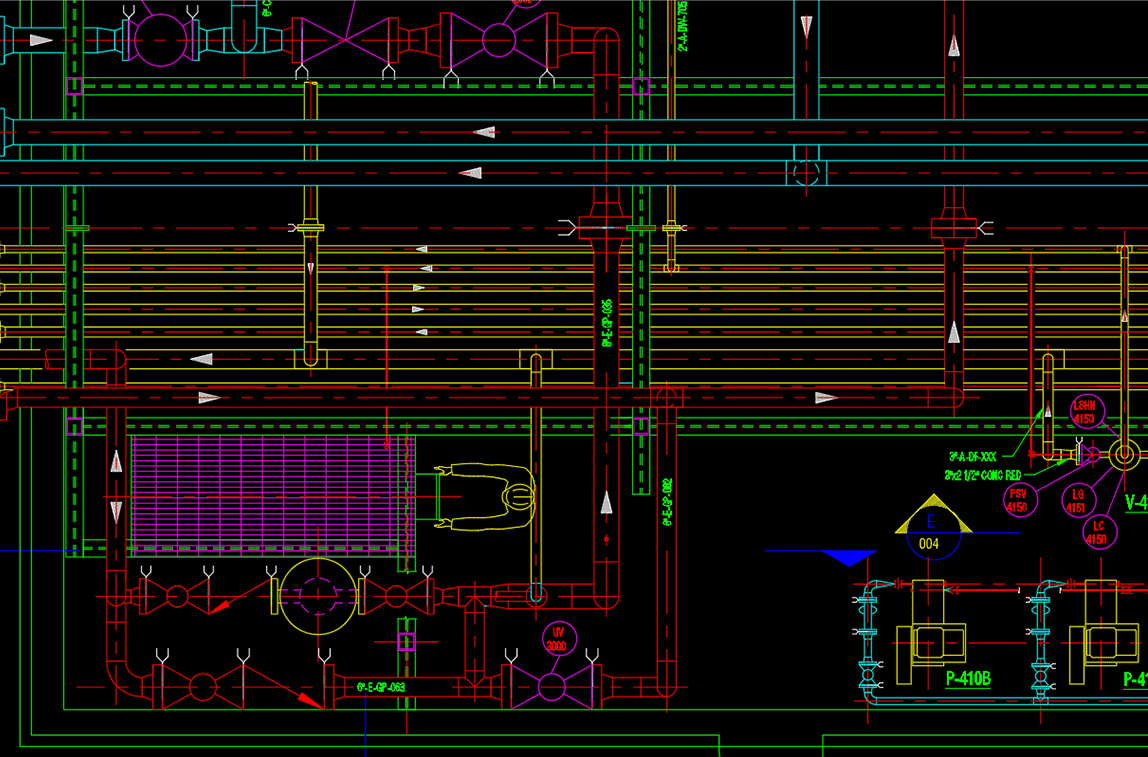
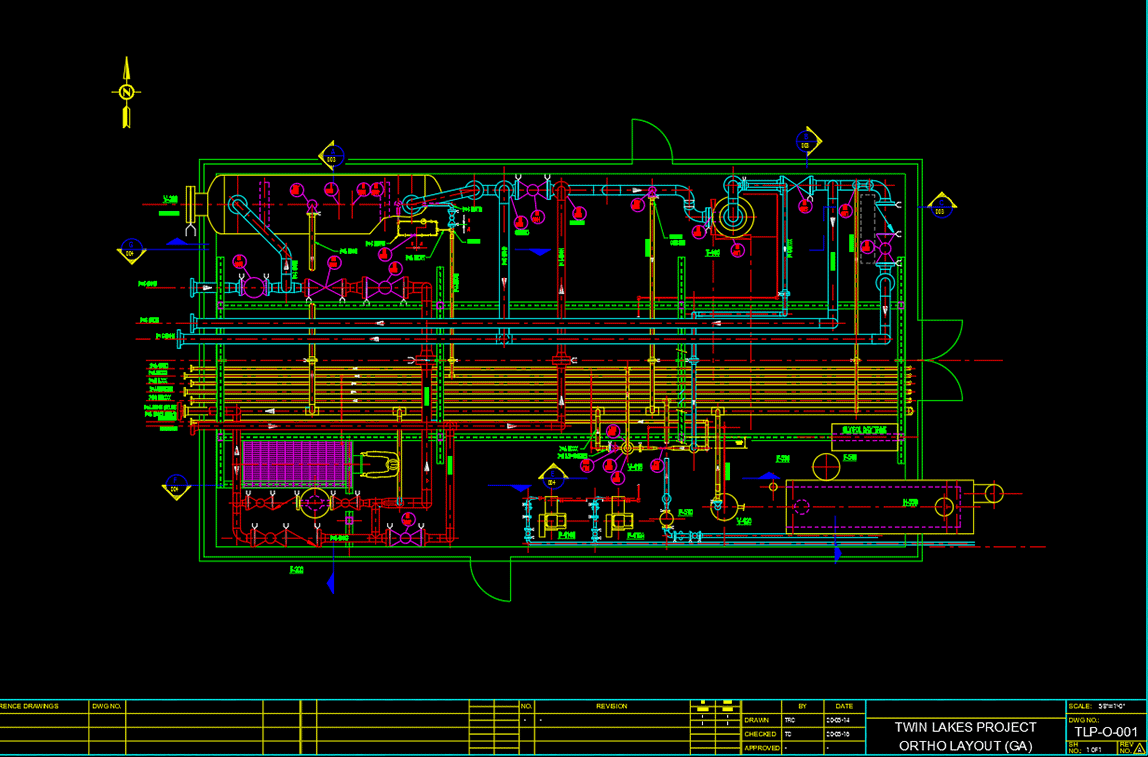
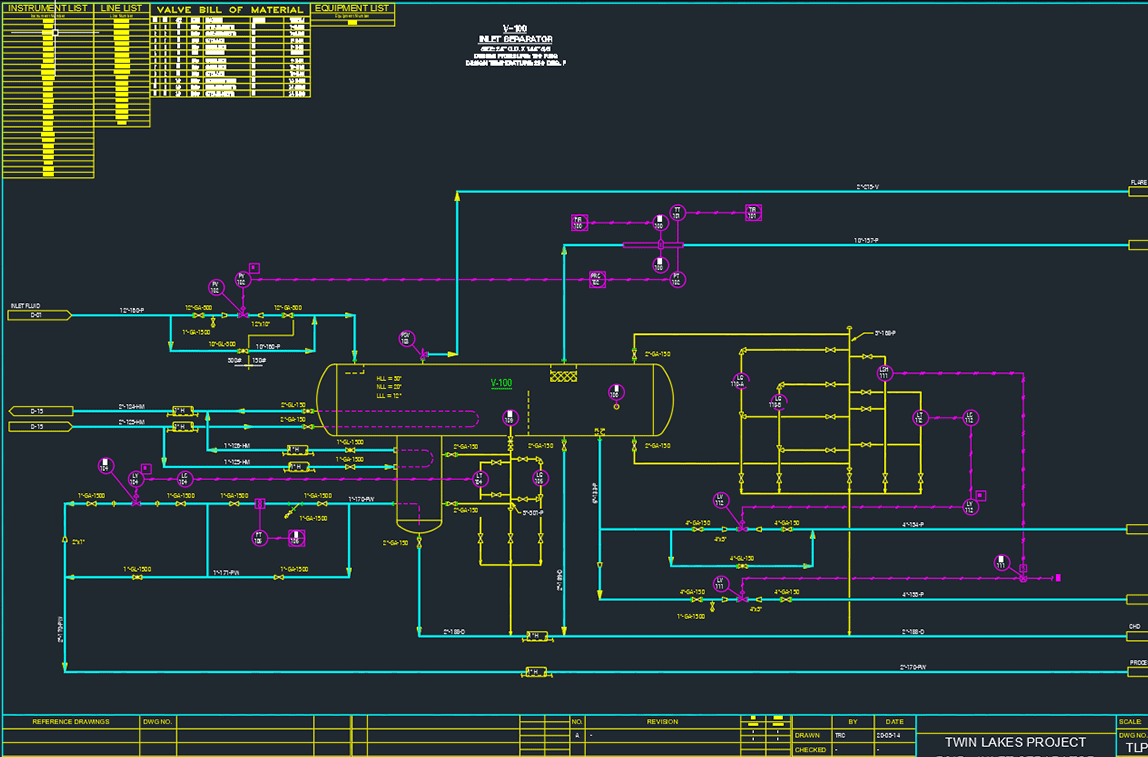
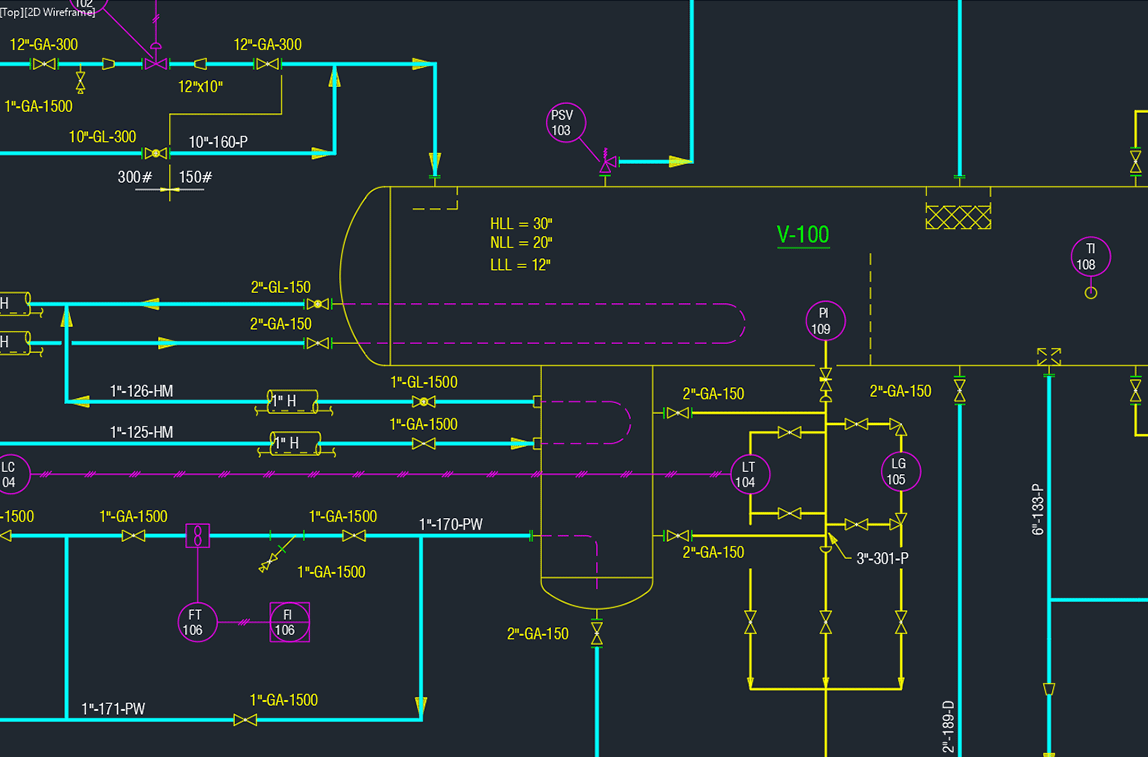
The PROCAD software lineup includes
Includes productivity modules
Select any individual application to match your exact needs
OR
Save big when you choose one of our software bundles
Best value starting at
$3 a day!
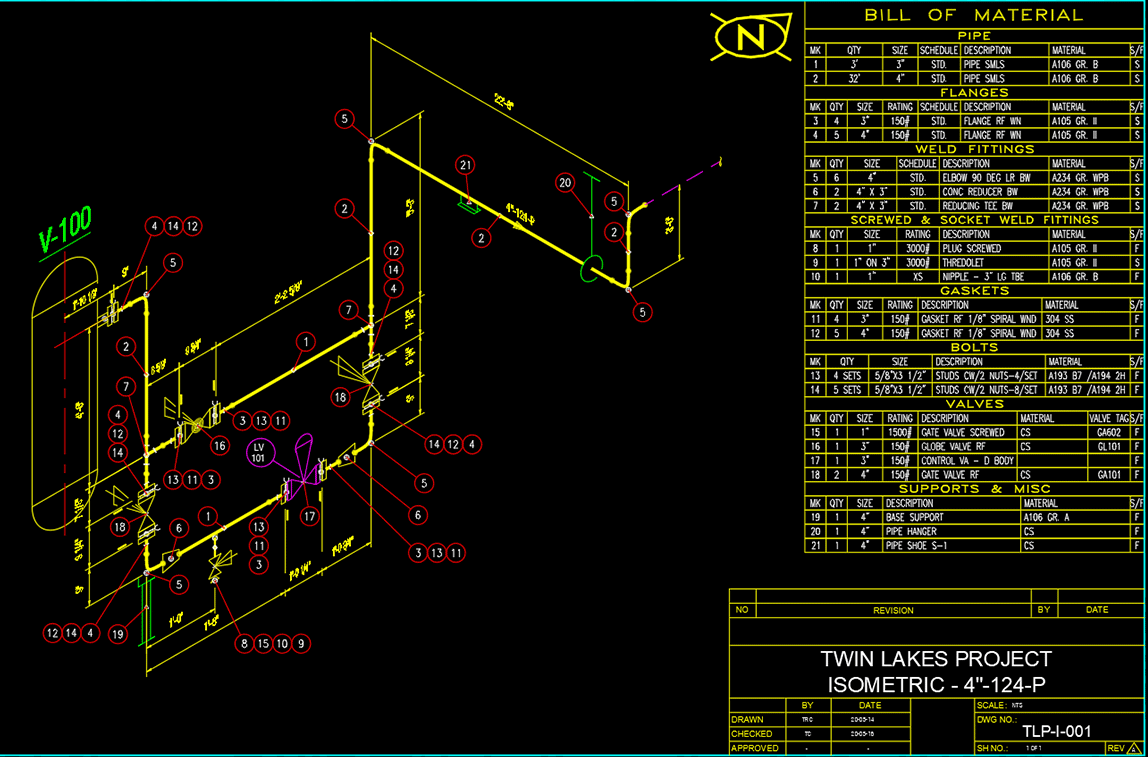
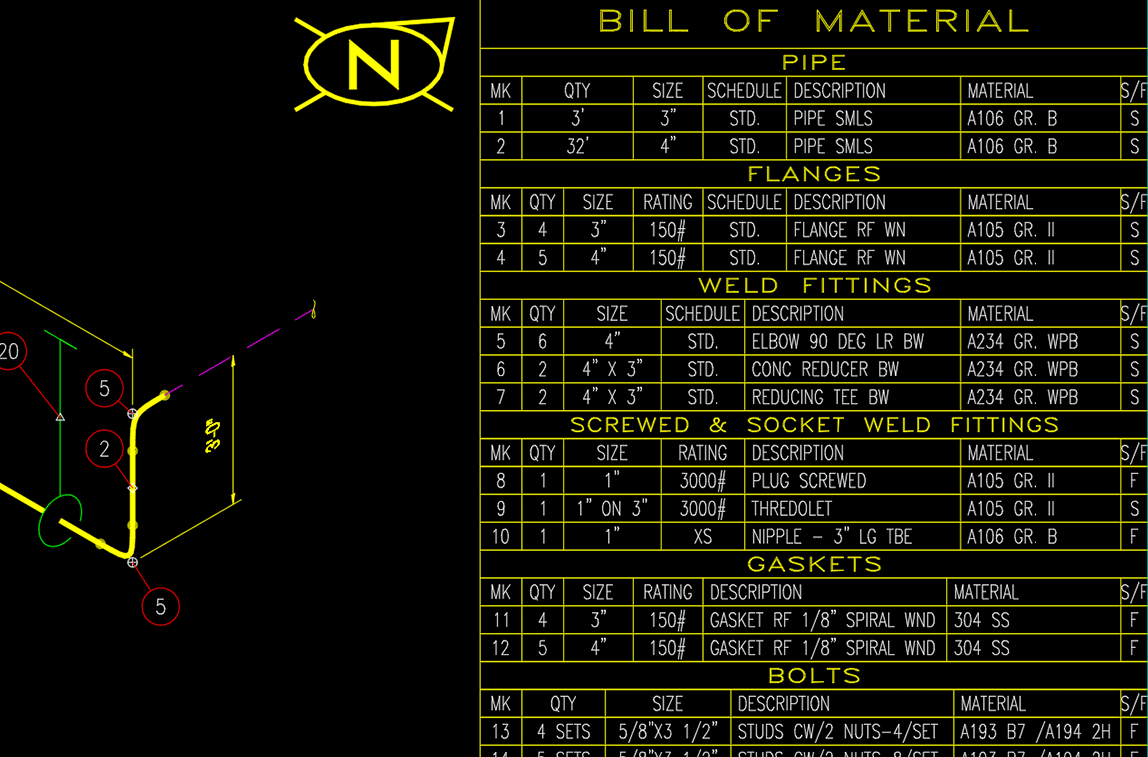
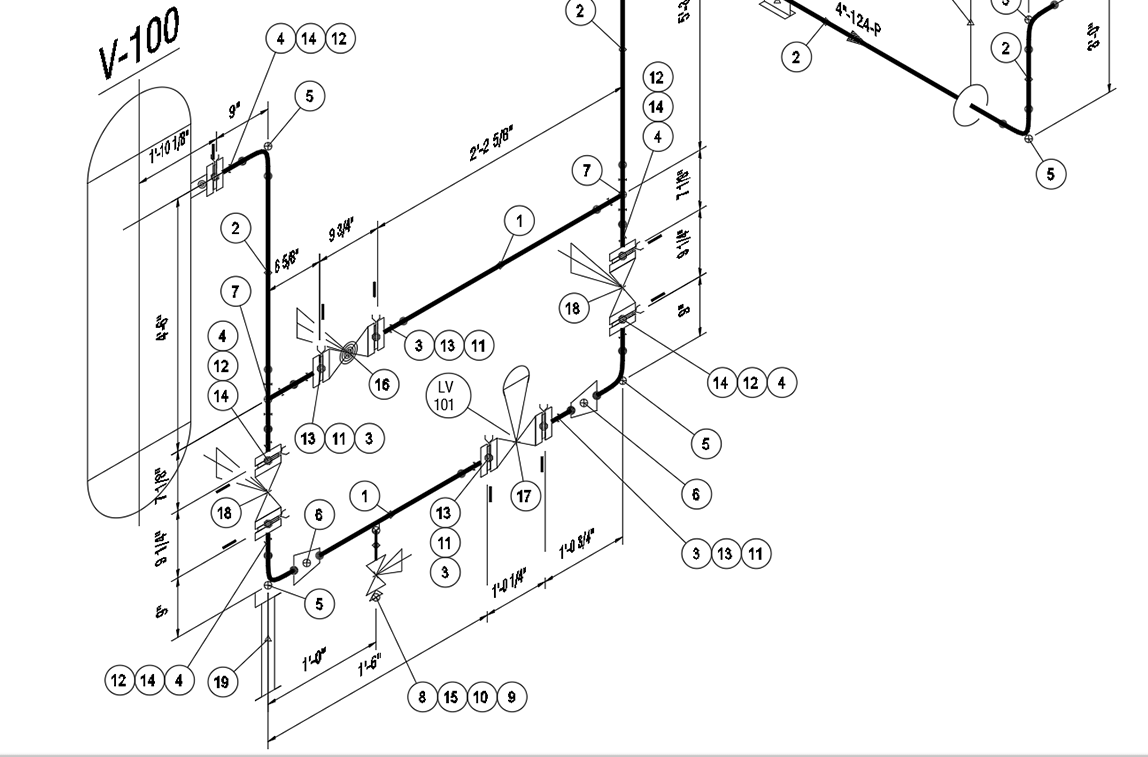
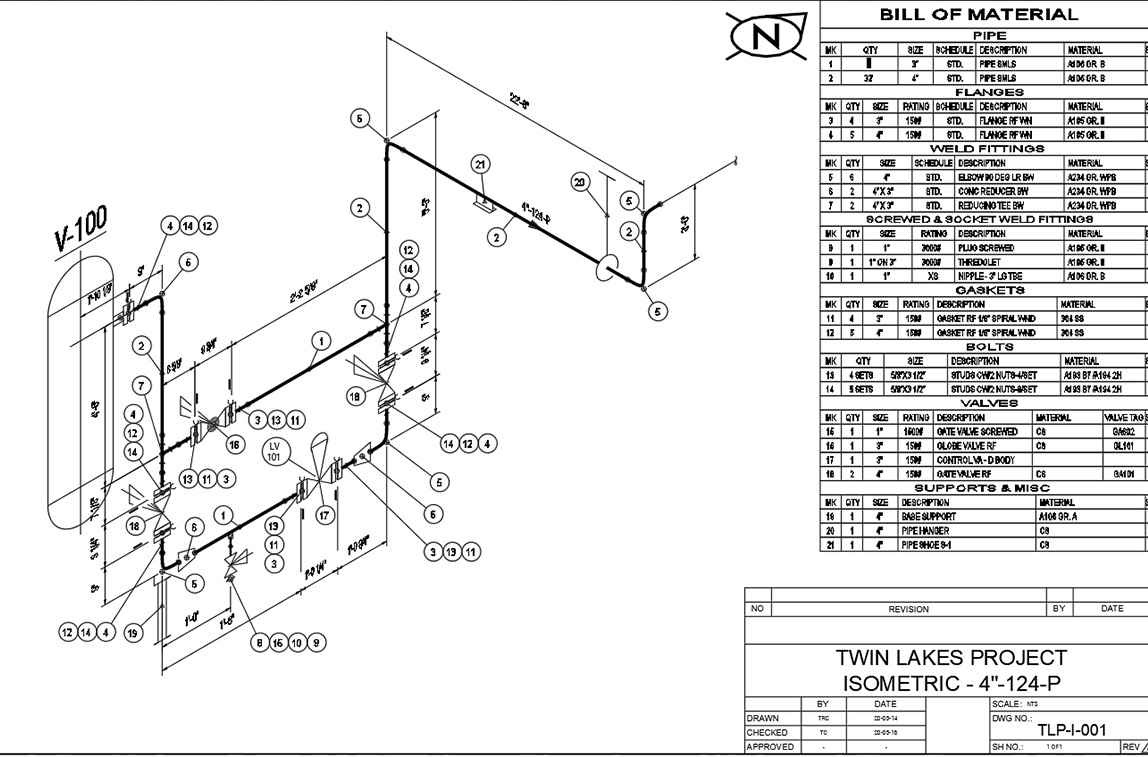
Includes 3DSMART, P&ID, ORTHO, ISOMETRIC and ELECTRIC
All individual applications and bundles quoted above come with built-in AUTOCAD OEM
Powered by AUTOCAD
PROCAD applications come complete with built-in AUTOCAD® OEM providing you with exceptional CAD functionality at a surprisingly affordable price.
Your staff will appreciate the ease of use and the slight learning curve. PROCAD saves drawings in DWG™ file format to make it easy to share designs with your customers, suppliers, and other project stakeholders.
Let PROCAD work for you
PROCAD is the perfect plant design software for a wide range of users:
- EPCs and Engineering Firms
Efficiently manage plant design with minimal errors for projects ranging in size, users, and complexity. - Owner-Operator
Owner-Operators can create in-house drawings conforming to their standards and easily transmit them to consultants or suppliers - Independent Designers and Contractors
Small drafting companies can create professional design work to satisfy customers.
Comprehensive free services
As part of our commitment to your success, we provide complete services during the software implementation and throughout the product’s lifecycle.
Order PROCAD today and get the following services:
- Free same-day technical support by email, phone, or web meeting
- Free online tutorials
- Free upgrades
- Free training
- Regular blogs and newsletters to notify you on the new features, upgrades, or promos
Making work easier!
Your time is valuable, so we designed the software to get you on the shortest path to higher productivity.
- Learning tools to help staff use the software
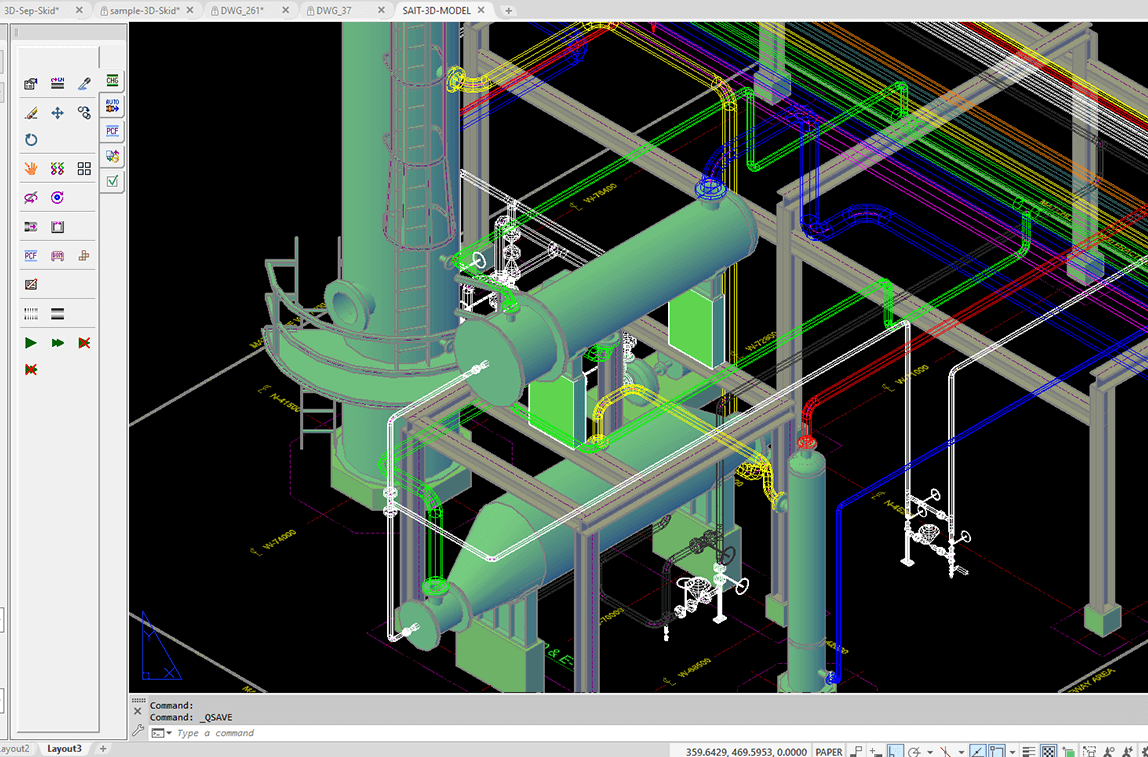
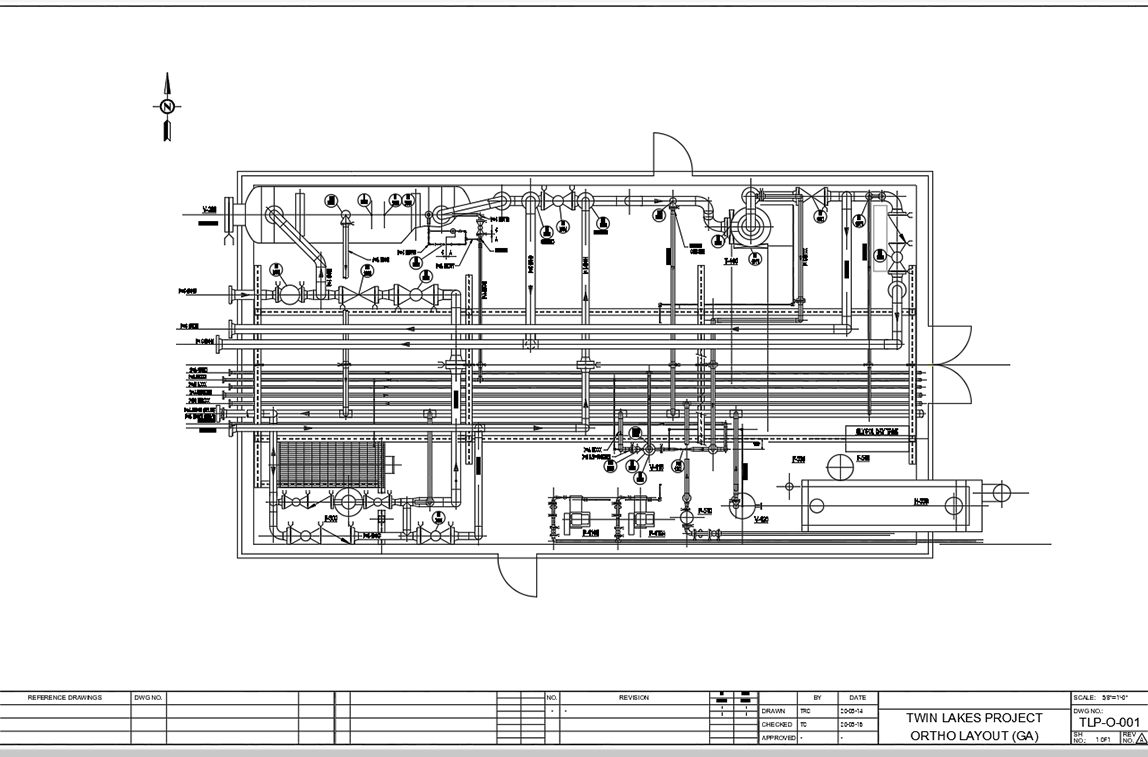
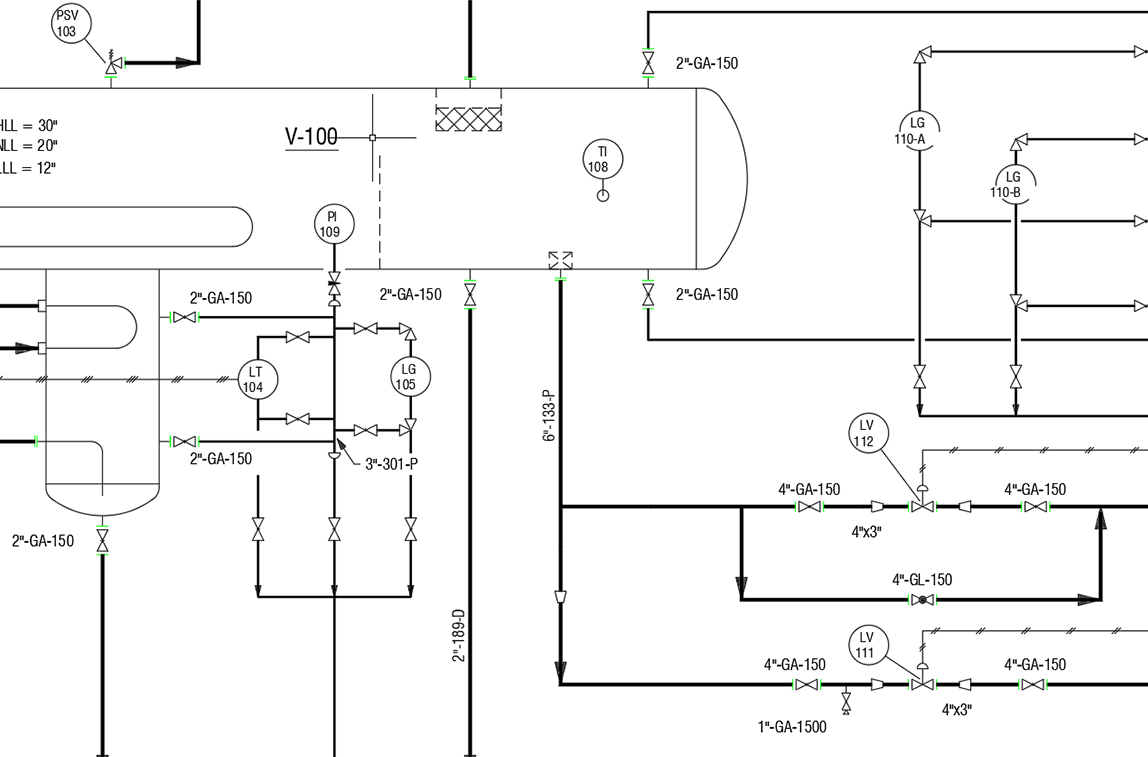
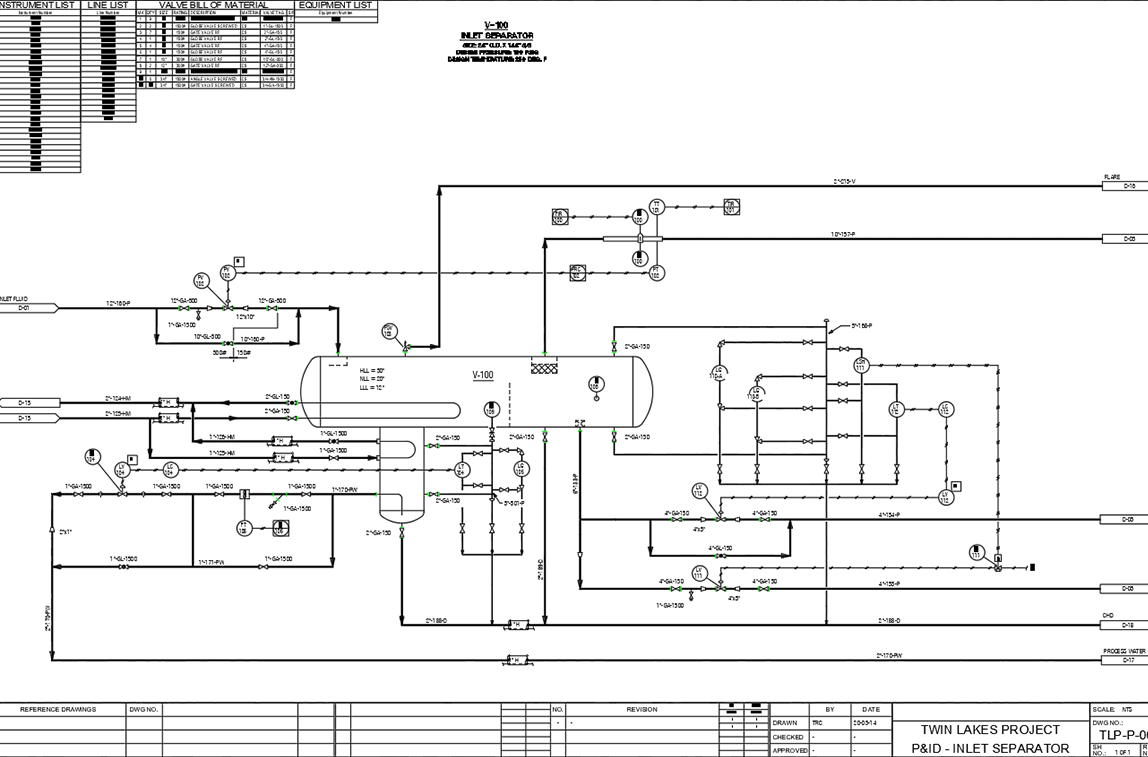
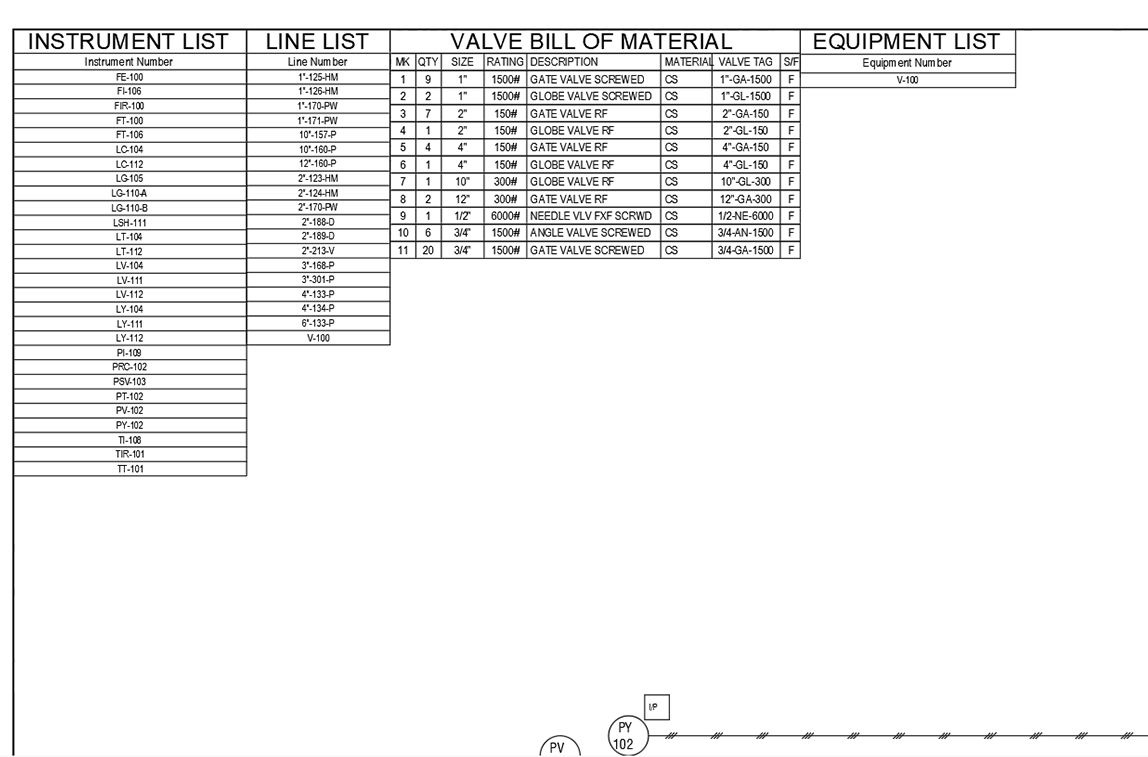
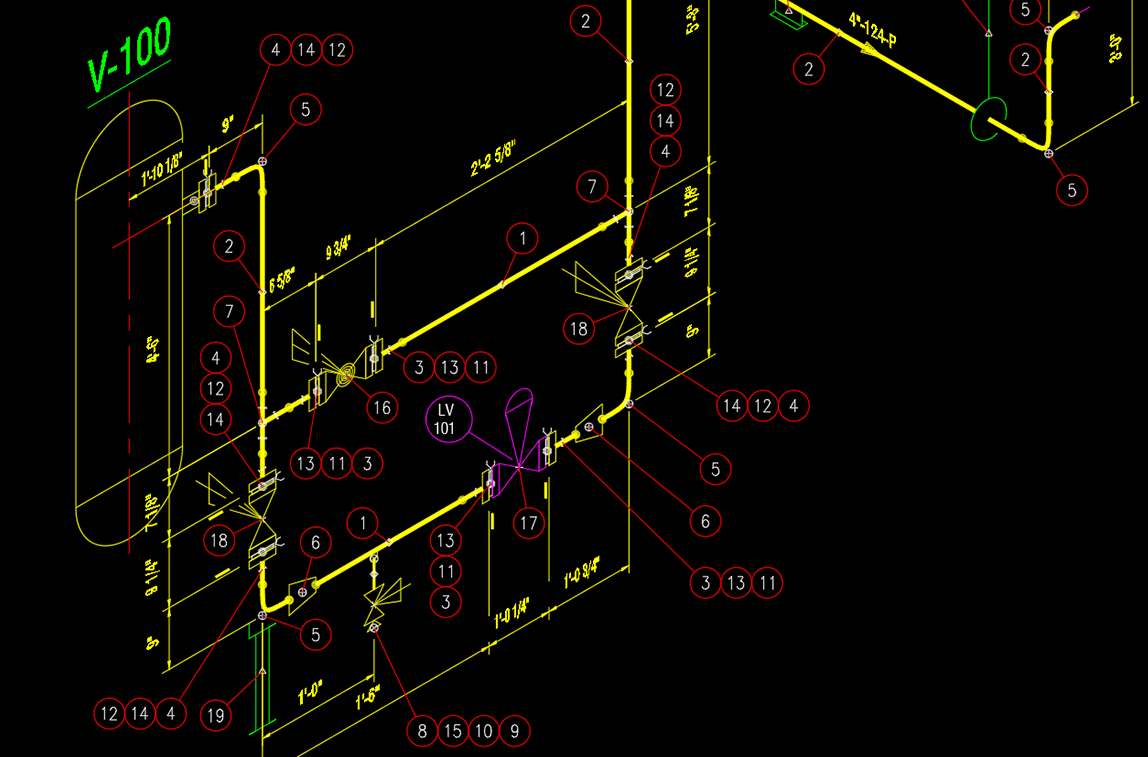
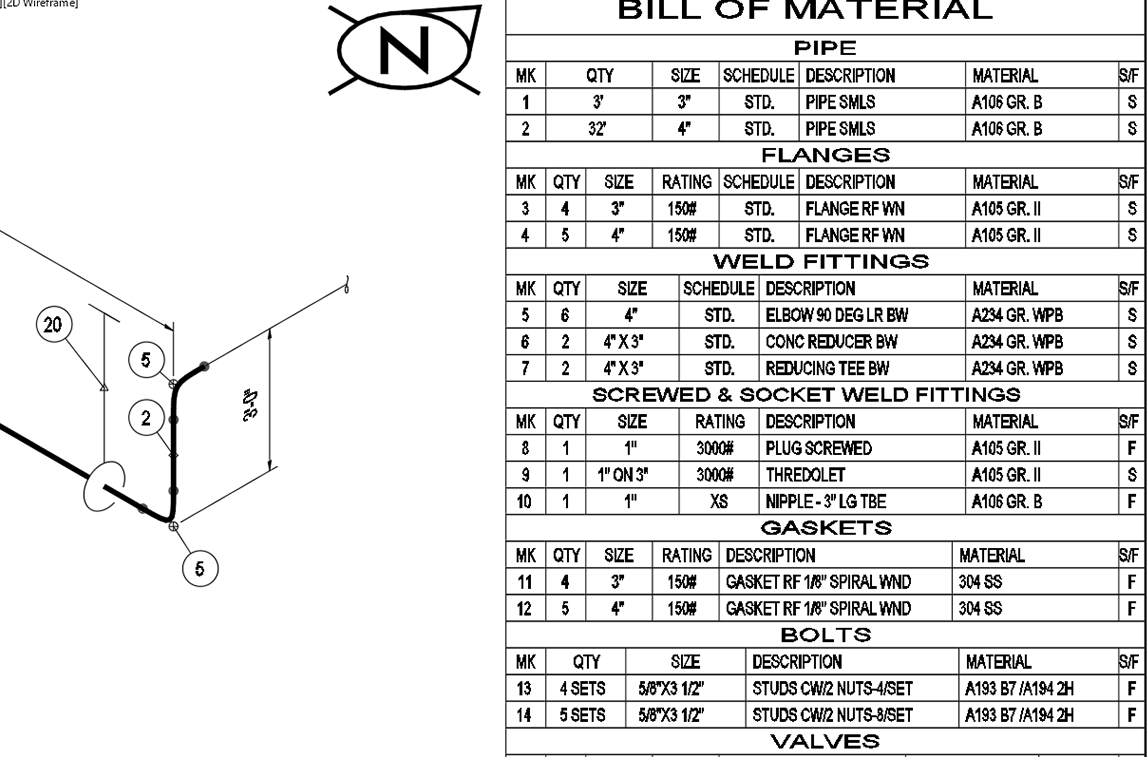
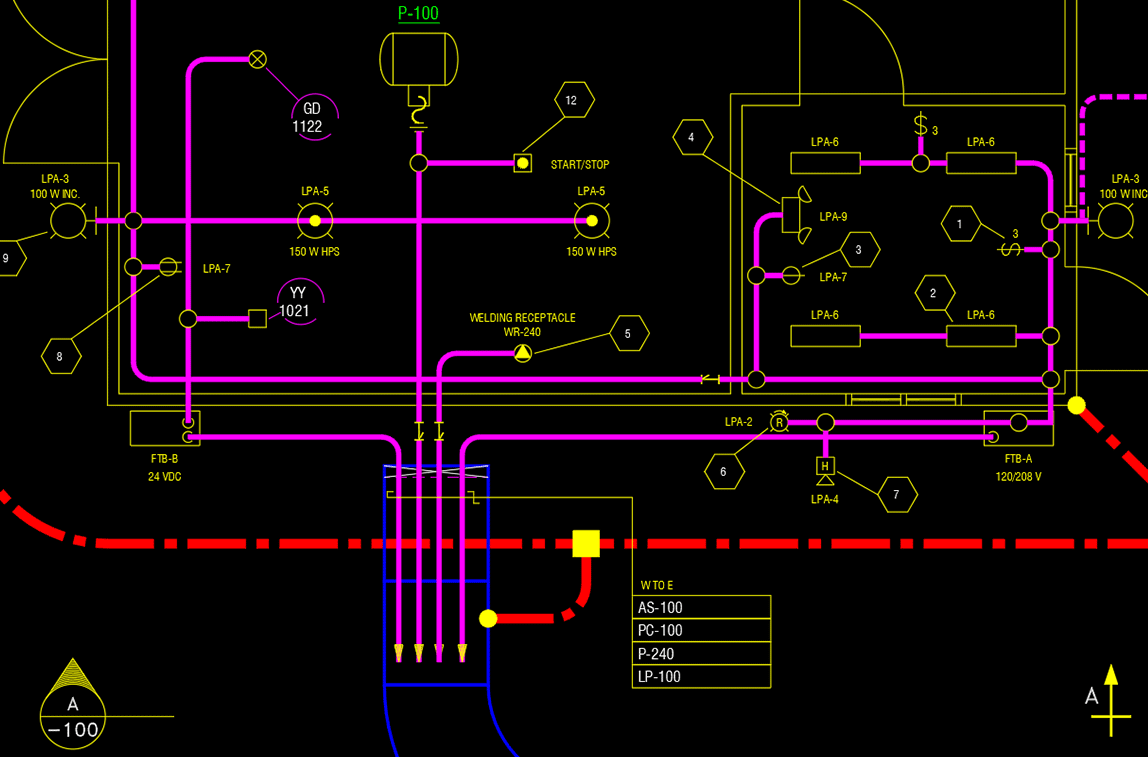
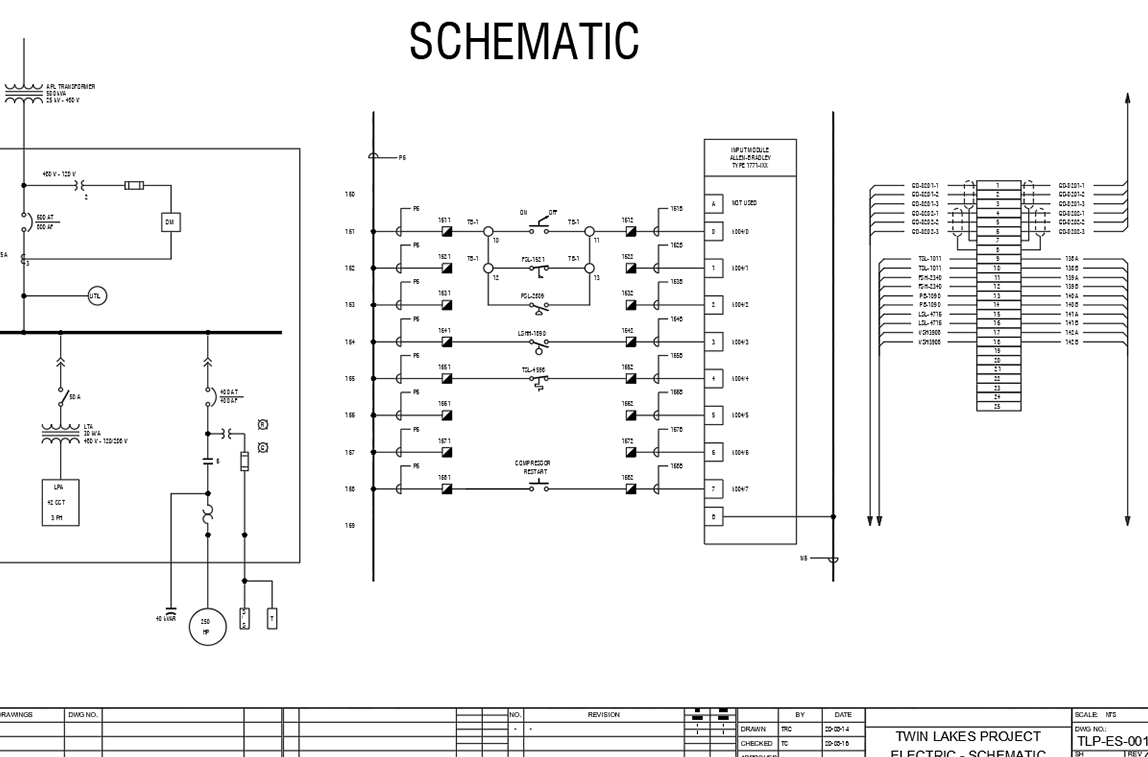
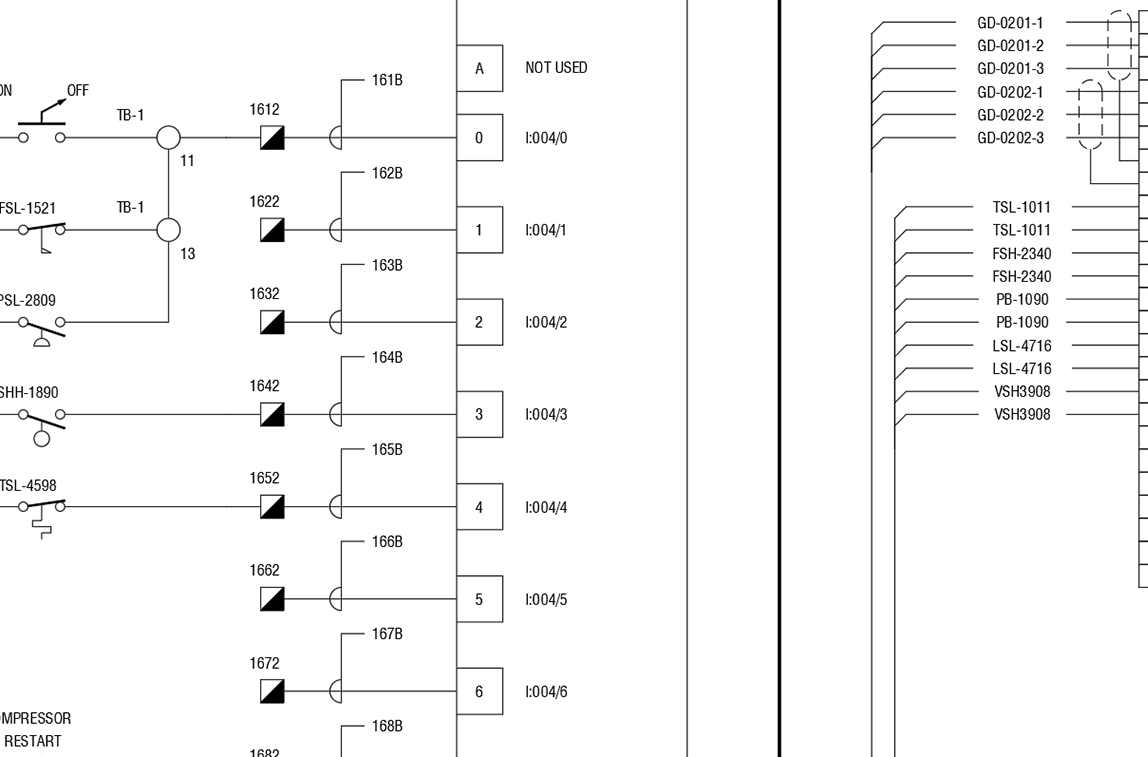
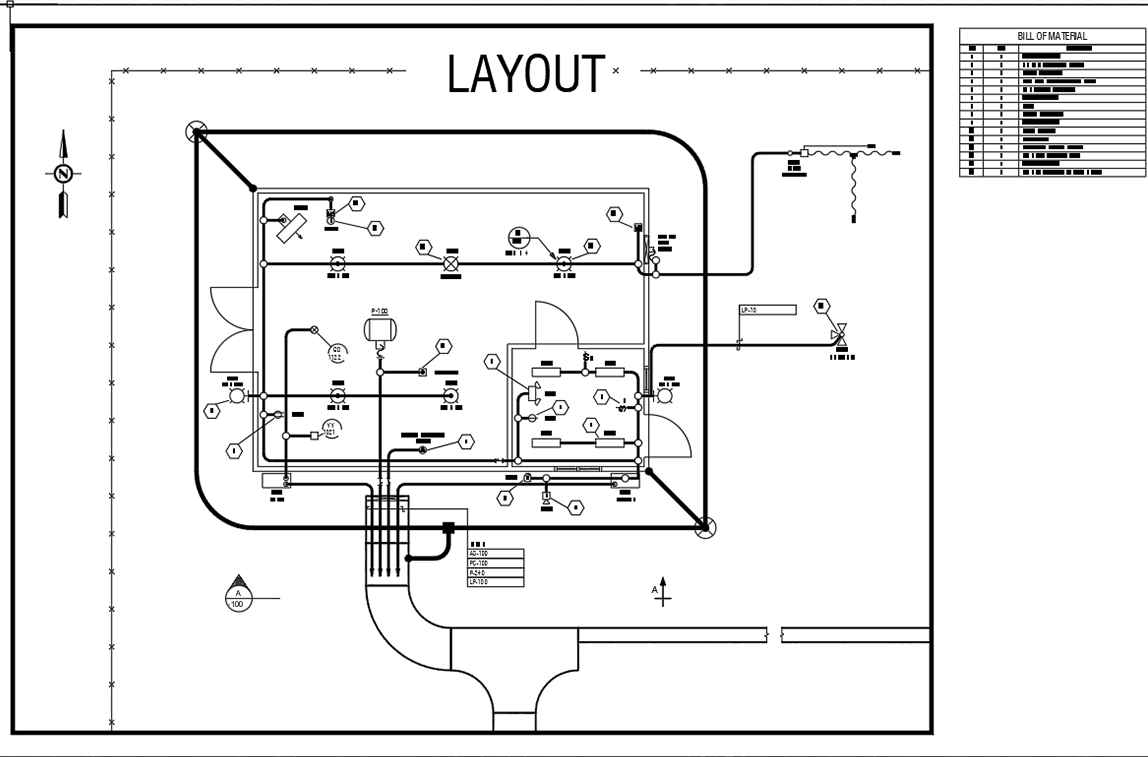
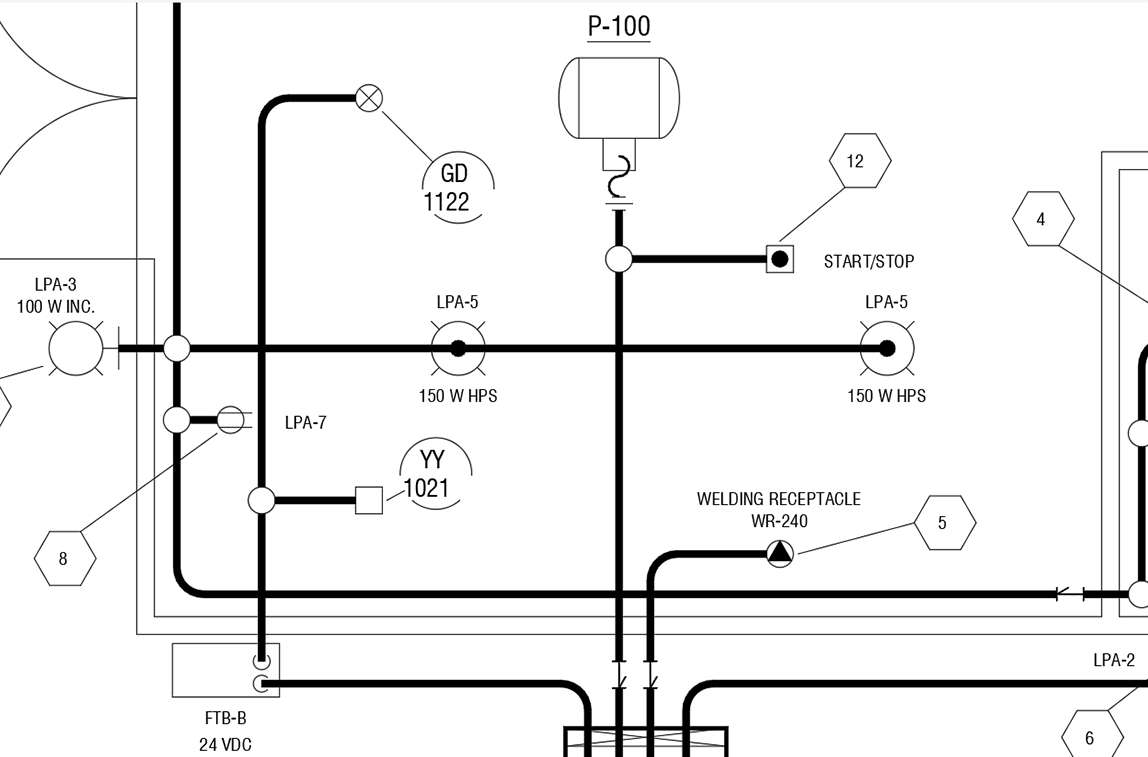
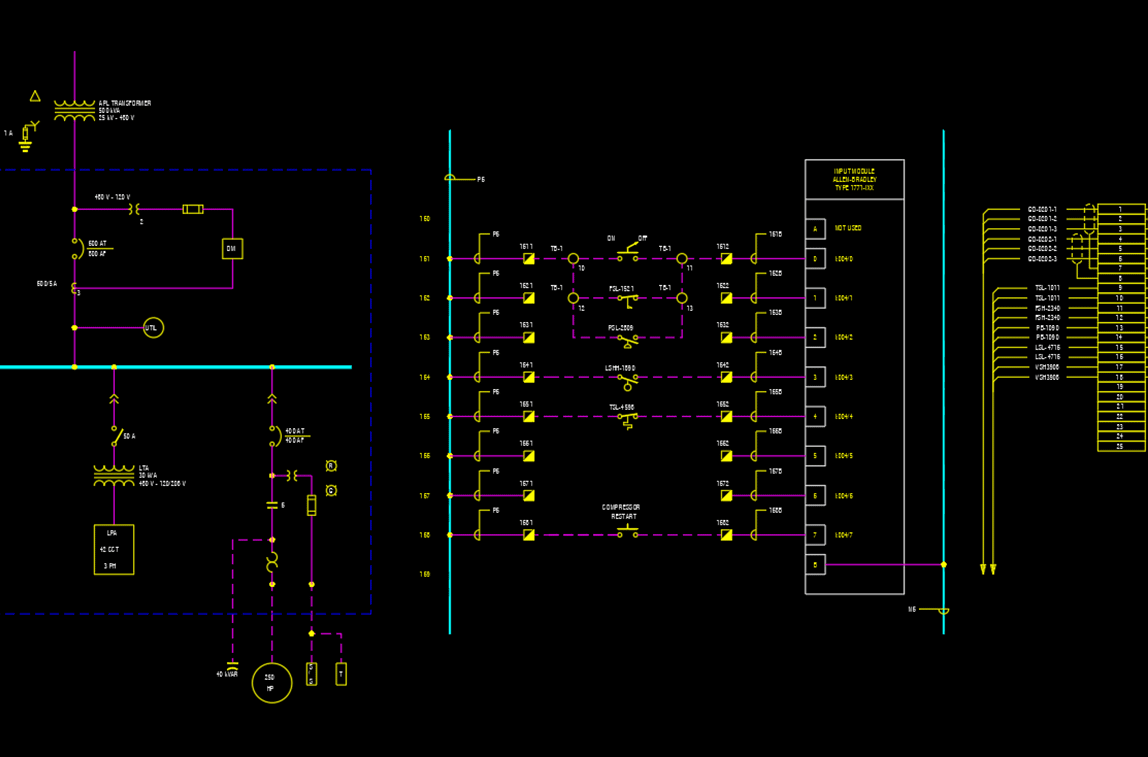
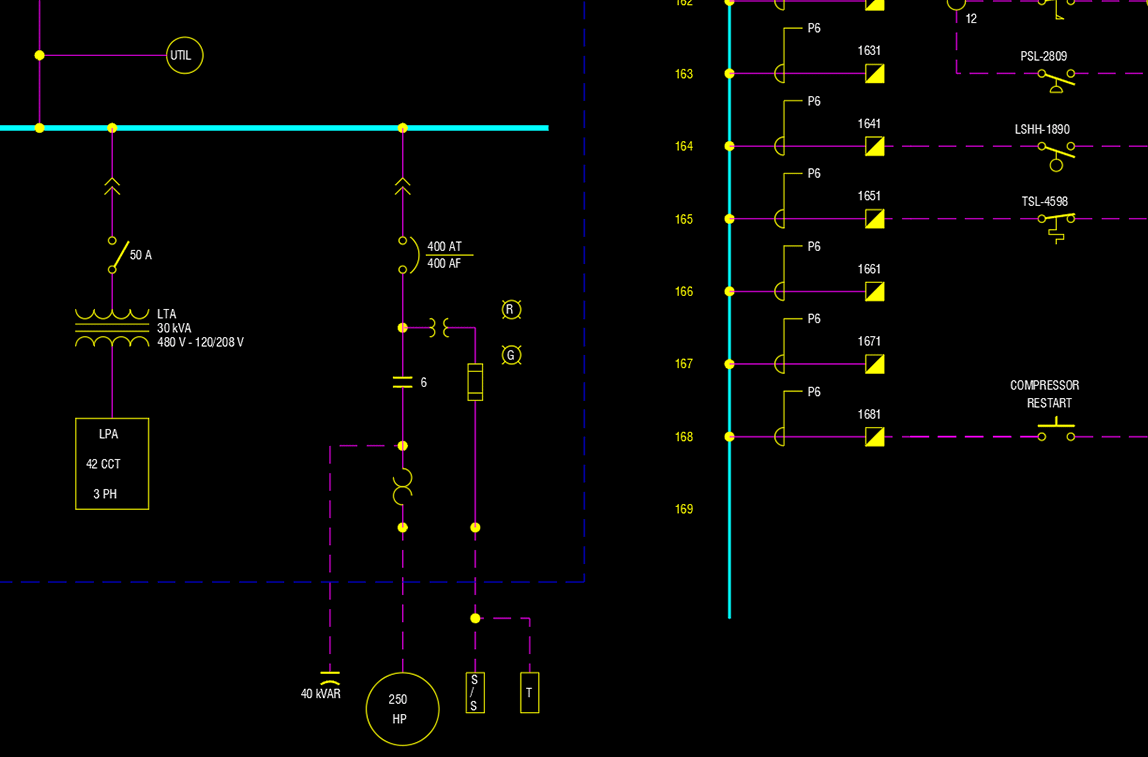
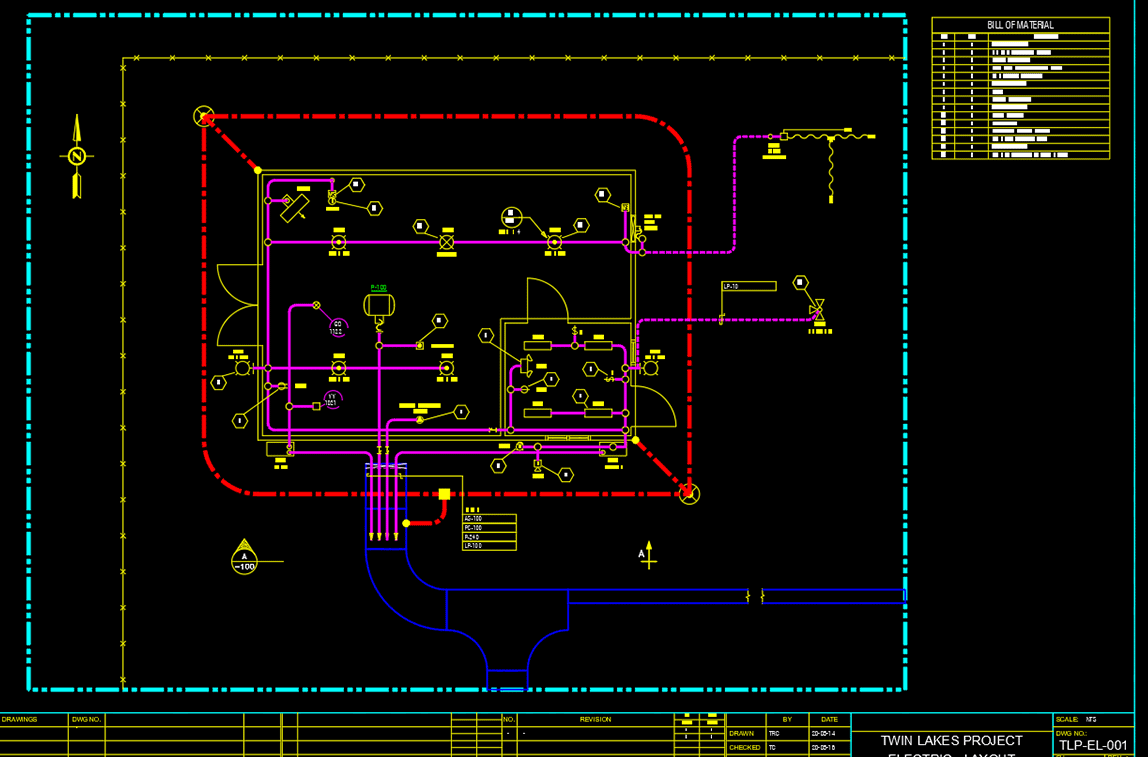
- Complete plant design suite for 3D modeling, P&IDs, isometrics, piping plans and electrical drawings
- Exceptionally affordable
- Organize projects with standards and pipe specs to ensure designs conforms to company/client requirements
- Enhanced workflow for your design team with project and spec-driven functionality
- Greater accessibility for accounting with global project data transmitted from drawings
Software licensing and subscriptions
We understand that every business has different software needs. Our solution is to offer many licensing options to suit your budget and project timelines.
- Monthly subscriptions
- 1 or 3-year prepaid licenses with significant savings
- Standalone or network licenses