PROCAD Tips-n-Tricks

2D DESIGNER 2010 Migration Guide Tip

2D DESIGNER 2008 Migration Guide Tip

2D DESIGNER Critical Dimensional Data Error Tip

2D DESIGNER 2008 Customizing Blocks Tip

2D DESIGNER User Is Receiving License Error Indicating Old NGN File Found

2D DESIGNER 2010 Can’t Find Spec or Standards

3DSMART 2011 Trouble accessing 3DSMART database

Keep PROCAD Working on Your Laptop

Applying a New License File

3DSMART 2011 Adding Components To Your Spec

How to convert your trial license to a permanent license

Opening Multiple Isometrics Application

Videos

Video 1
This video tutorial will show you how to use the Drawing Manager to properly manage your existing drawings that have been created in other PROCAD applications

Video 2
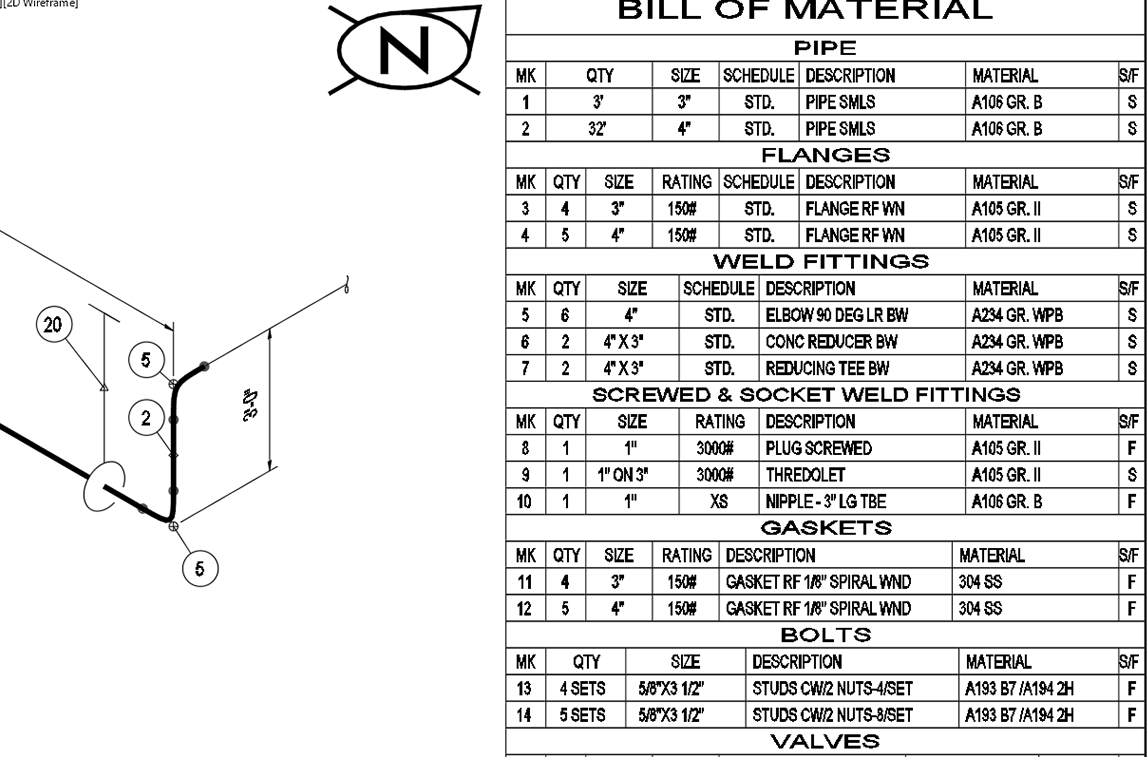
This video tutorial will show you how to replace and existing BOM with a modified BOM without generating new component balloons

Video 3
This video tutorial will show you how to use the Standards Manager to scale components in your drawing

Video 4
This video tutorial will show you how to load existing drawings in the correct standard so that the scale for the drawing is correct

Video 5
This video tutorial will show you how to use the License Manager to request a license. You will also see the difference between standalone and network licenses.

Video 6
This video tutorial will explain the difference between a standalone and network installation. You will also see the difference between the 2 types of installations and how to perform those installations.

Visit the PROCAD products section for more information on 2D and 3D design solutions.