Why SpoolCAD® Piping Fabrication Isometric Drafting Software?

Your priority is to create accurate and detailed piping spool drawings for plant construction. SpoolCAD can help you achieve this quickly and at lowered costs.

  • Faster project start-up with a user-friendly interface and world-class customer support
  • Easily create 2D piping isometric drawings with minimal CAD skills and drafting skills required
  • Reduce errors with spec-driven functionality and by eliminating the need to manually edit isometric drawings
  • Save and share drawings in the industry standard AutoCAD® DWG™ file format
  • Reduce costs with a comprehensive set of applications that includes AutoCAD®
  • Compatible with PapriCAD 2D and 2D DESIGNER
  • Built on PROCAD’s best-in-class isometric drafting software

How Can SpoolCAD Work for You?

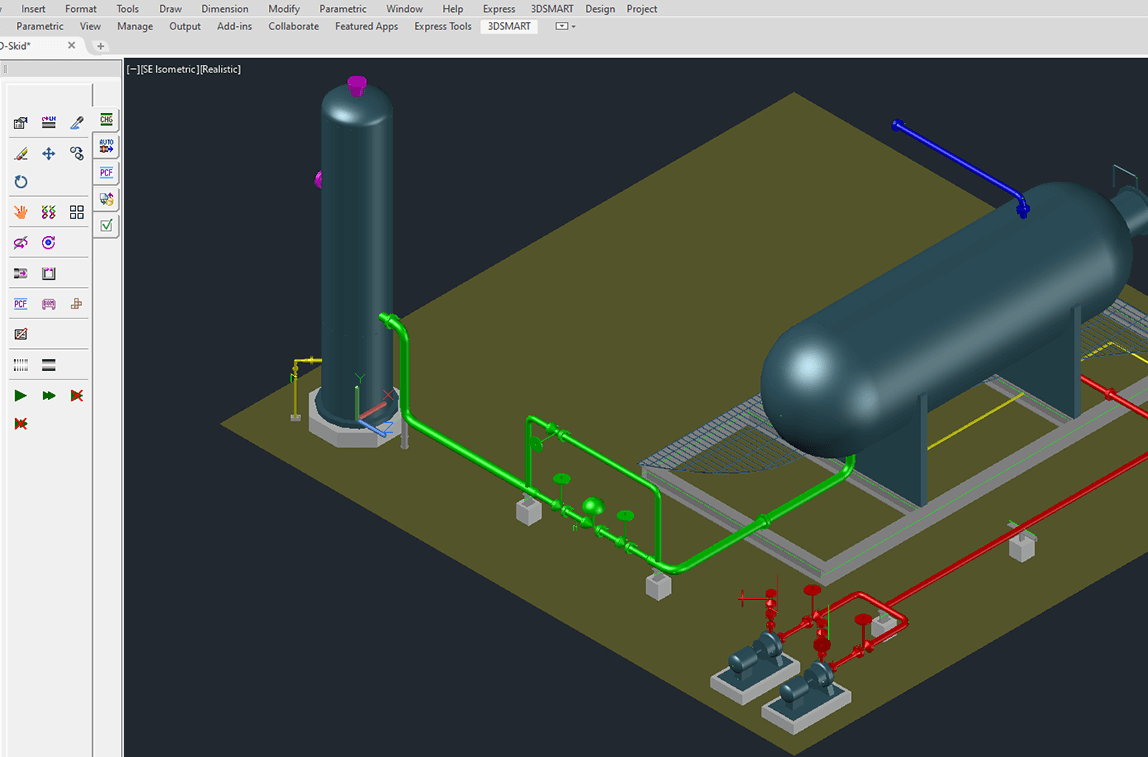
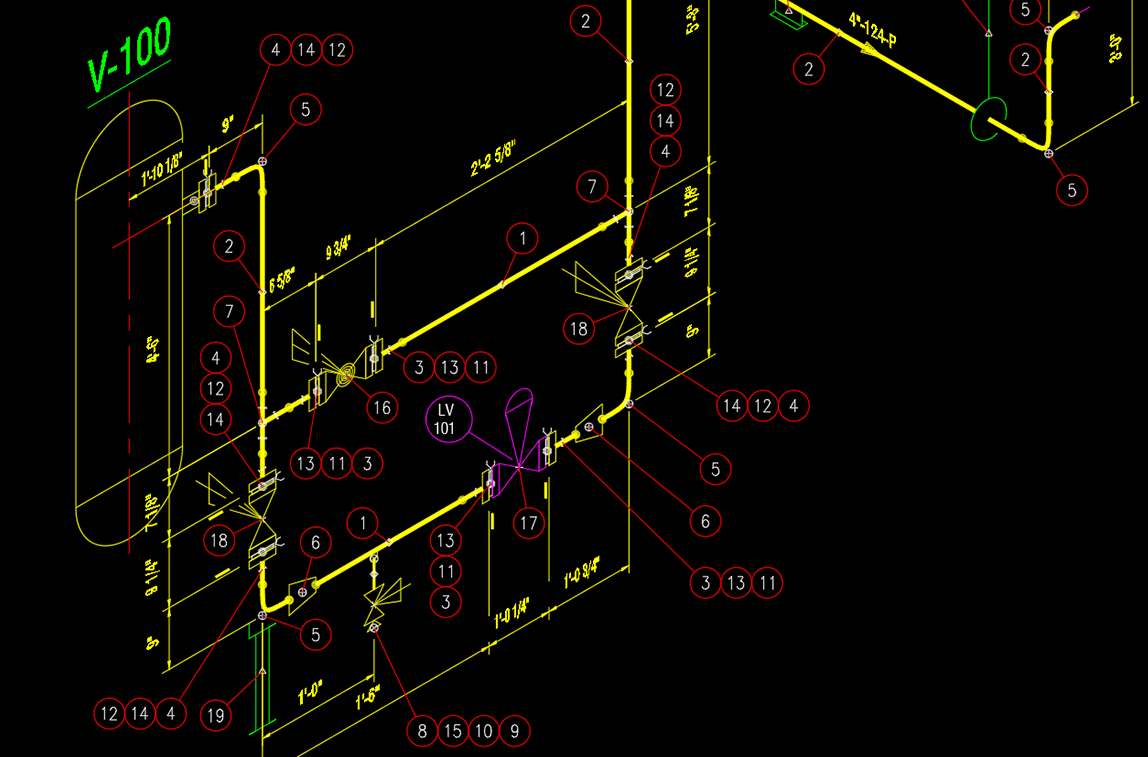
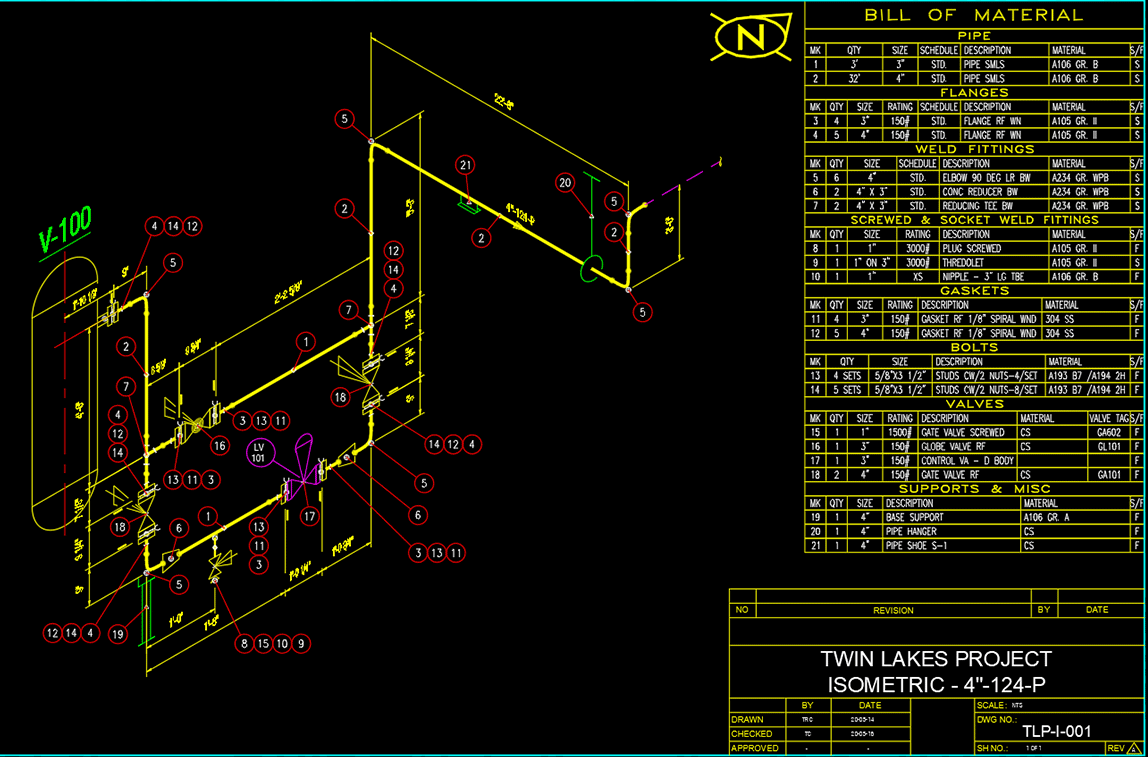
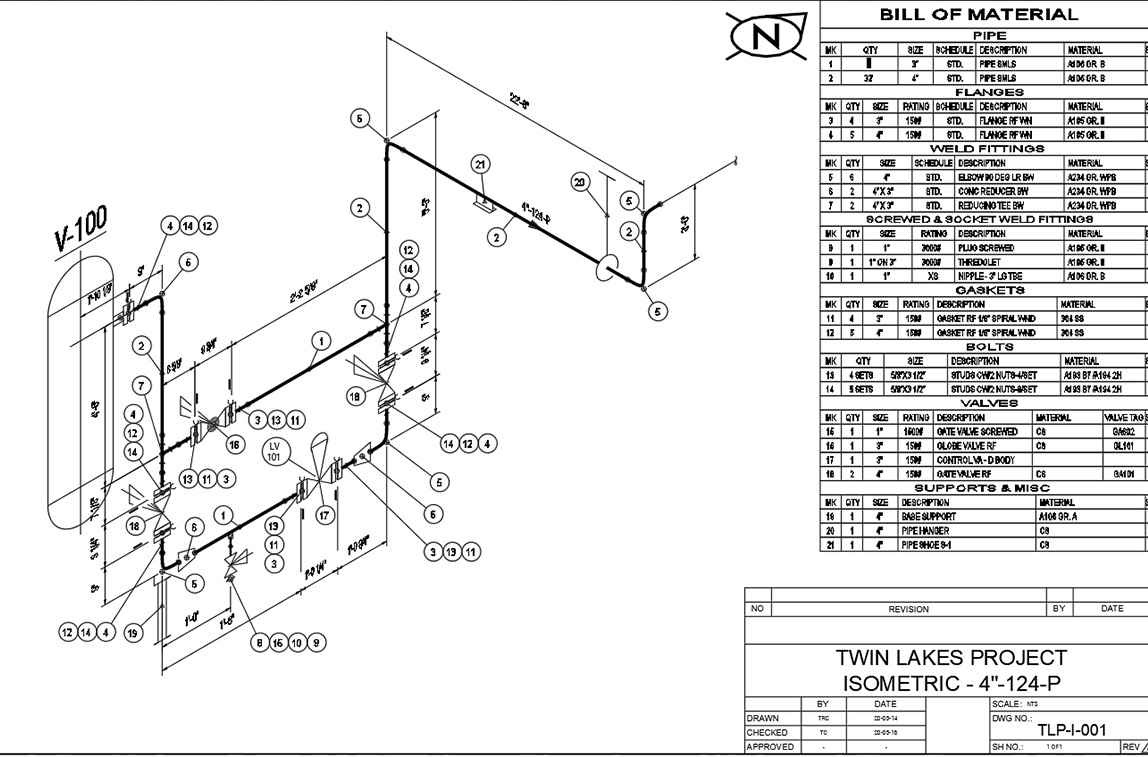
SpoolCAD enables the creation of detailed piping isometric drawings for process plant drafting and construction. Isometrics are used to produce shop fabrication spool drawings. Users include…

Piping Fabricator

Handover isometric drawings with confidence to your shop floor and get accurate spools built for your customers.

Independent Welder

As an independent welder, you need to keep your costs down while delivering successfully on projects to clients. PROCAD’s affordable stand alone licensing plus world-class support keeps you competitive and performing at your best.

Engineering Contractor (EPC)

Efficiently manage and track progress of the drafting and construction of piping systems with minimal cost and minimal errors from projects ranging in size, users and complexity.

SpoolCAD Features

Get Started

Accelerate deployment, training, and management of SpoolCAD with a robust set of services and resources that meet your level of need.

  • Network or standalone licensing
  • Simplified installation and provisioning to scale from single to multiple networked licenses
  • One-time license fee that includes unlimited number of spool drawings without extra refilling charge
  • Free assistance during installation and deployment
  • Complete support services include training, consulting, technical support and ongoing software updates
  • Subscription Plan for comprehensive software coverage
  • Express installation auto-configures software within minutes
  • In-product wizard guides set-up and help
  • Custom training onsite and via web conference
  • Easily convert trial licenses to full product licenses at any point during or after the trial period with FlexNet licensing technology
  • Perpetual licenses with easy upgrade option to newer software versions

Draft

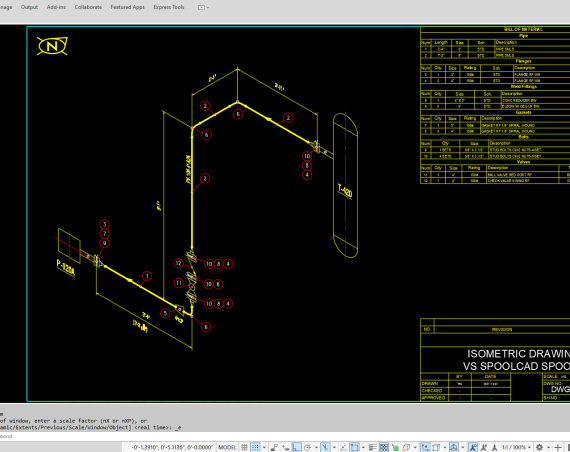
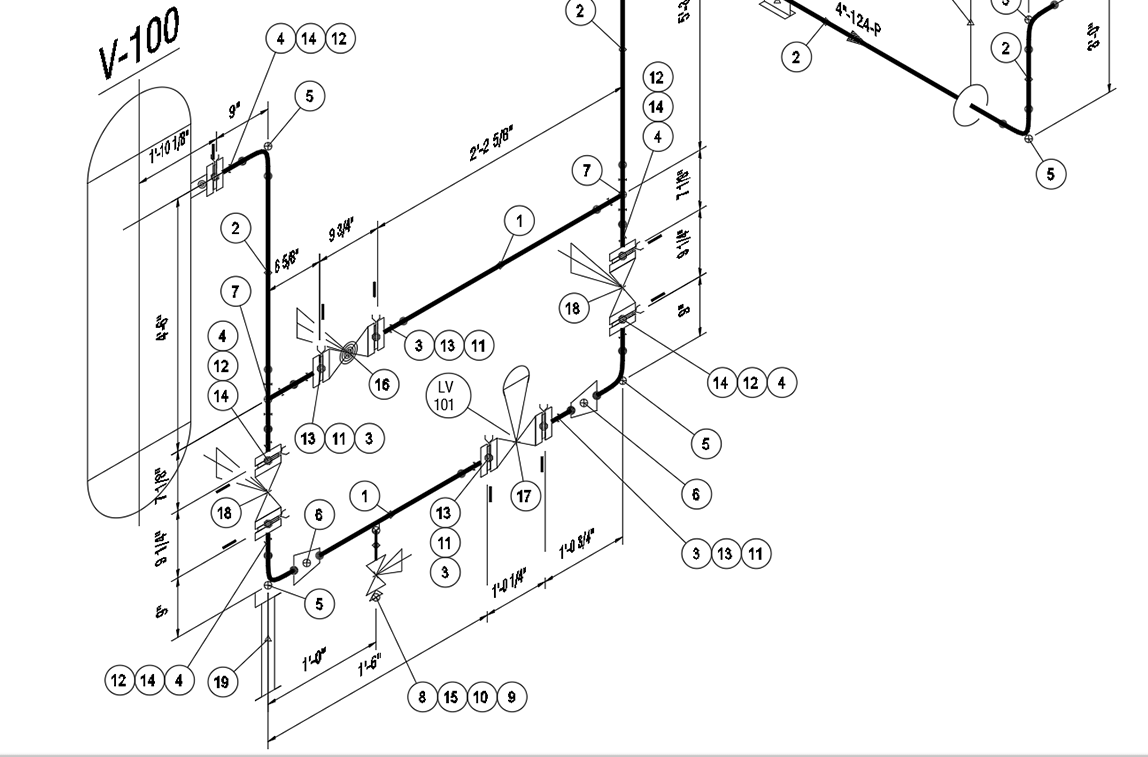
Achieve accurate and detailed 2D pipe fabrication isometric drawings with SpoolCAD. Improve fabrication shop efficiency and reduce costly errors with a fully customizable and intelligent spec driven software.

  • Built on PROCAD’s best-in-class isometric drafting software
  • AutoCAD® included
  • Generates all necessary isometric drawings and material reports automatically
  • Spec driven pipe drafting for accuracy
  • Comes with industry standard border drawing sizes or custom sizes; easily replace with project border drawings
  • Import piping data from PapriCAD 2D and 2D DESIGNER
  • Automatic background compliance checks alert users when straying from established piping drafting parameters
  • Automated dimensioning in multiple isometric planes with sub-dimension feature for small fitting outlets like Thredolets®
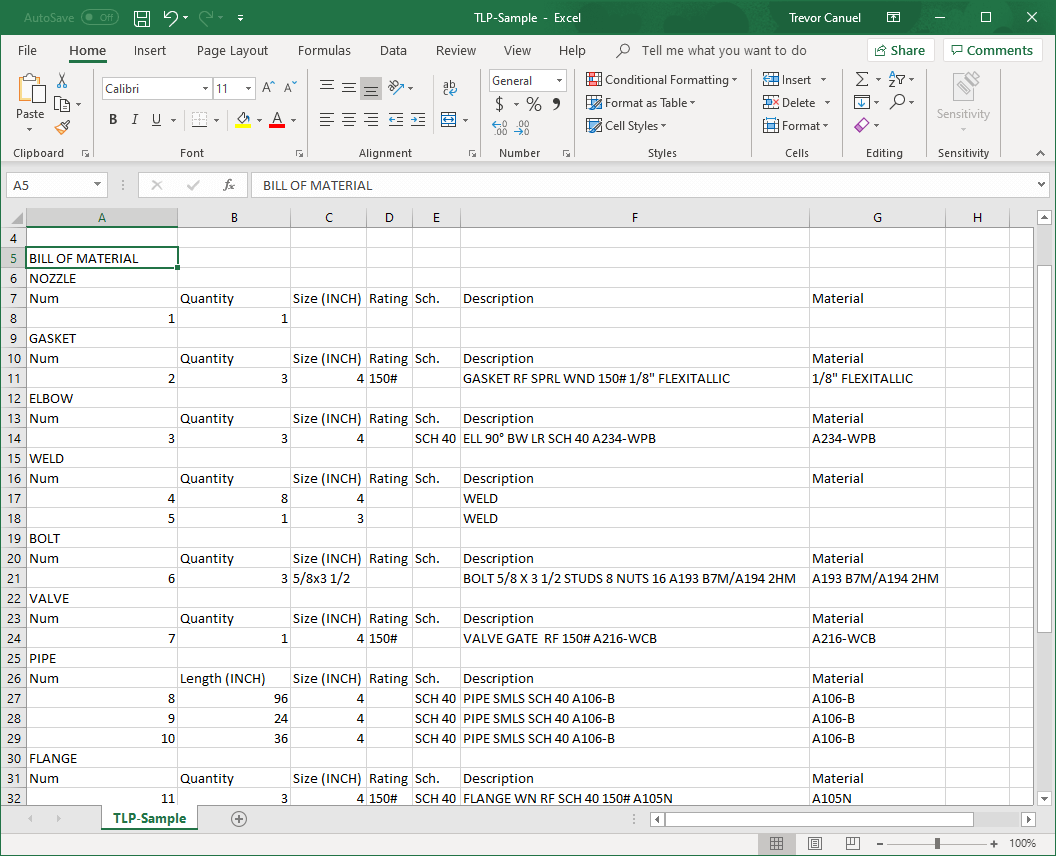
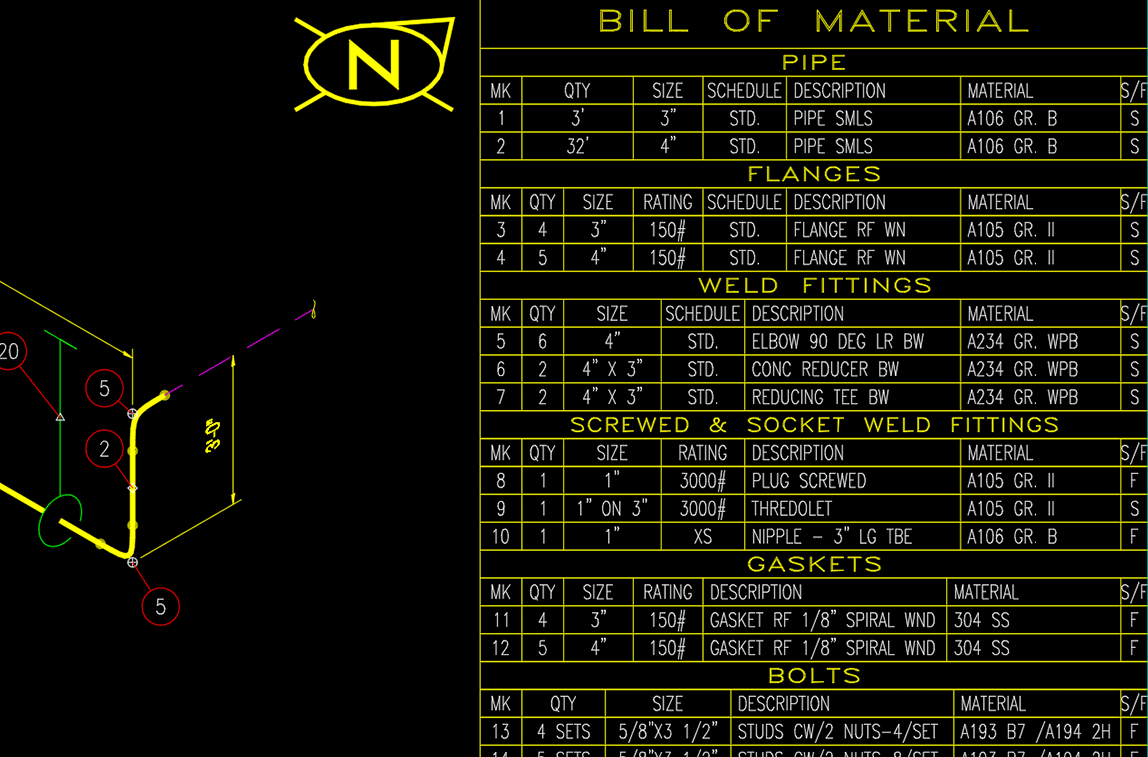
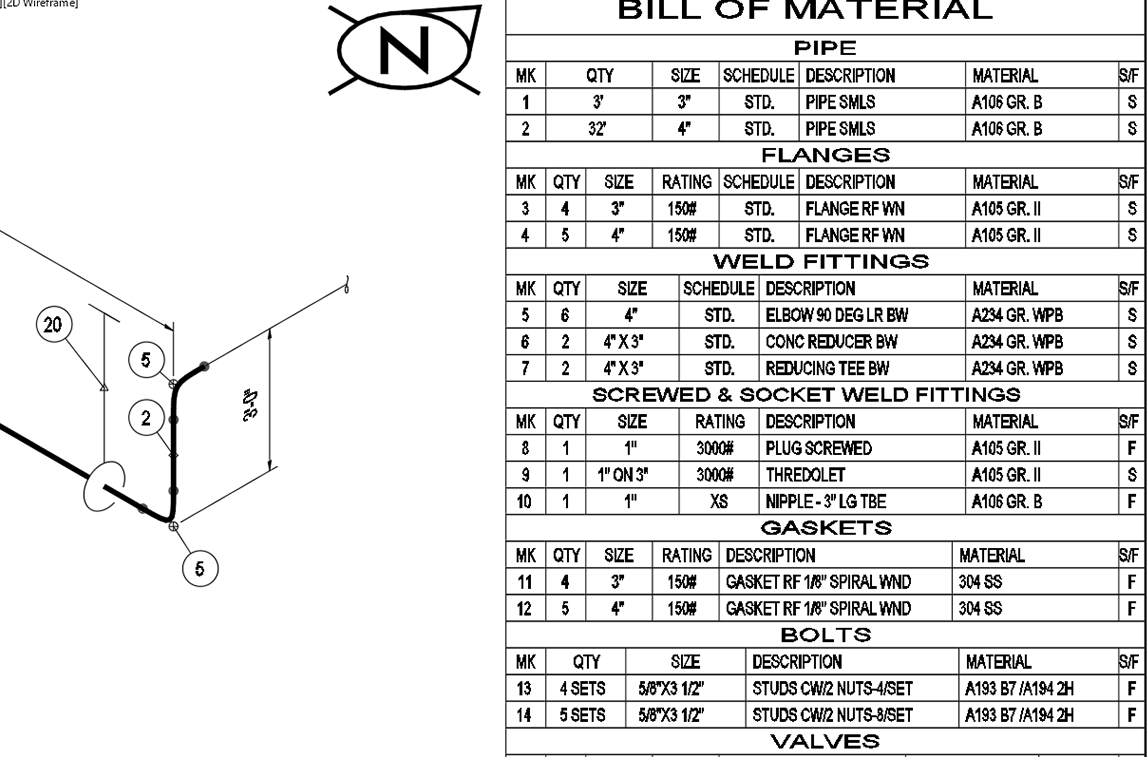
  • Automatic BOM generation with pipe cut lengths and individual fittings to accommodate heat number variance
  • Create BOM output files in multiple formats: drawing (DWG), Excel (CSV or .xls), Web (HTML) and text files
  • Welds are placed automatically. After you generate a Weld List, you can tag each weld individually.
  • Weld tag balloons contains weld number, welder ID and X-Ray designation
  • List fitting heat numbers in the drawing either individually or as a group of similar fittings
  • Edit piping specifications with Spec Generator; includes generic carbon steel specs to get you started right away
  • Maintain drafting integrity with Standards Manager to customize each project with its own setup for approved pipe specs, drawing appearance, weld gaps, borders, layers and file locations

Collaborate

Work efficiently together across global teams.

  • Multiple users can access the files within a project
  • Share BOM, weld lists in multiple formats: drawing (DWG), Excel (CSV or .xls) Web (HTML), and text files


SpoolCAD™ Benefits

Quick Start

Produce industry-standard piping fabrication isometric drawings in minutes with SpoolCAD’s automated drawing capability. We also offer a robust set of support services that meet your level of need.

Efficient

Minimal CAD skills and drafting skills required with the easy-to-use and friendly user interface. Pipe data is generated through a simple process to produce high quality drawings and reports.

Consistent

SpoolCAD ensures consistent presentation with industry standard isometrics.

Accurate

Eliminate costly transcription errors with spec-driven functionality.

Integrated

SpoolCAD is compatible with PapriCAD 2D and 2D DESIGNER. Handover PROCAD piping specs to the many fabrication shops that already use SpoolCAD for greater cost savings.

Configurable

Customize SpoolCAD to your exact needs.

SpoolCAD Applications

SpoolCAD comes with all the applications you need to form a complete pipe fabrication isometric solution.

Standards Manager*

Control drafting project standards by easily establishing customized standards to ensure that drawings are flawless and consistent from start to finish.

  • English or Metric or mixed English/Metric units
  • Piping specs allowed on the project
  • Project specific settings such as weld gaps
  • Scaling factors for symbols
  • Layering and color schemes
  • Border drawings to be used
  • Dimension variables

Spec Generator

Create your own pipe specs from SpoolCAD’s vast database of components in a variety of ratings and material.

  • Database includes pipe ratings from 150 to 2500 lb and pipe sizes ranging from 1/8” to 80” (3mm to 2000mm)
  • Includes generic carbon steel ANSI pipe specs for 150, 300, 600 and 900 lb ratings
  • Generate new pipe specs
  • Organize and edit existing specs
  • Add new material and other options to the source database

BOM Settings Manager

Customize material reports to suit your exact needs. Easily create any number of report templates to extract material information to accommodate your project’s schedule, the material availability and delivery timetables.

  • Determine the components to be included in report
  • Set sorting sequence
  • Define BOM item numbering format
  • Decide on the appearance of the report by choosing font type, size, grouping headers, etc.
  • Define CAD options when BOM is to be placed in a drawing
  • Ability to preview reports in case adjustments are necessary

BOM Generator

Manage each project’s material reports with confidence and easily transfer material requirements to the procurement or accounting departments. Accurate material reporting ensures material is ordered in time and it is correctly charged to customer’s project. Generate material reports for the entire project, a single or a group of spools (or drawings) or report by line number(s). The BOM Generator creates material reports in any of these formats:

  • Insert BOM into current drawing or a newly created drawing dedicated to displaying the BOM only
  • Excel format (CSV or xls)
  • Web format (HTML)
  • External text file (txt)

SpoolCAD System Requirements

PapriCAD 3D has two main configurations, one for workstations and one for servers.

32 Bit

Workstation

  • Operating System: Windows 8, Windows 7, Windows Vista, Windows XP
  • CPU Type: Intel® Pentium® 4, with 2.2 GHz or faster processor, or compatible
  • Memory: 1 GB of RAM
  • Hard Drive: 750 MB of hard disk space for the program (for downloading and extracting the install file, 4GB of hard disk space is required)
  • 1024×768 minimum screen resolution

License Server (for network license installations only):

  • Operating System: Windows 8, Windows 7, Windows Vista, Windows XP Home or Pro, Windows Server 2003 or 2008

64 Bit

Workstation

  • Operating System: Windows 8, Windows 7, Windows Vista, Windows XP
  • CPU Type: AMD Athlon® 64 with SSE2 technology, or AMD Opteron® processor with SSE2 technology, or Intel® Xeon® processor with Intel EM64T support and SSE2 technology, or Intel Pentium 4 with Intel EM64T support and SSE2 technology
  • Memory: 2 GB of RAM
  • Hard Drive: 750 MB of hard disk space for the program (for downloading and extracting the install file, 4GB of hard disk space is required)
  • 1024×768 minimum screen resolution

License Server (for network license installations only):

  • Operating System: Windows 8, Windows 7, Windows Vista, Windows Server 2003 or 2008

Recommended Graphics Cards
For optimal performance, it is strongly recommended that you check to see if your computer’s graphics card is on Autodesk’s list of certified and supported graphics cards.
Non-supported cards may result in poor performance and possible software crashes. Check out
Autodesk’s graphics card evaluator.

AutoCAD for Piping Isometric Fabrication

Advanced Autodesk Technology

SpoolCAD is powered by AutoCAD® for a complete piping isometric drafting solution. This means AutoCAD is built right into the software. Benefits include saving drawings in the highly portable industry standard AutoCAD DWG™ file format, and opening and editing SpoolCAD drawings in many types of CAD software applications, including AutoCAD.

AutoCAD OEM Features

Base & View Functionality

  • Application
  • DWG Read/Write
  • 2D Viewing
  • 3D Viewing
  • Plotting
  • Editor
  • Help

2D Functionality

  • Blocks
  • Dimensions
  • Draw/Edit
  • Drawing Aids
  • Drawing States
  • Formatting
  • Annotation Scaling
  • Xref

Tools

  • Import/Export
  • Image
  • Markup
  • Sheet Set Manager
  • Tool Palette

About Autodesk

Design and shape the world around you with the powerful, flexible features found in AutoCAD® software, one of the world’s leading 2D and 3D design applications. Autodesk has been bringing efficiencies to your design process for more than 26 years. Used by millions of people globally, AutoCAD offers robust 3D free-form design tools and powerful drafting and documentation capabilities.
For more information on AutoCAD, visit www.autodesk.com.

Find Your PROCAD

If you don’t have AutoCAD

If you already have AutoCAD


Twitter Updates